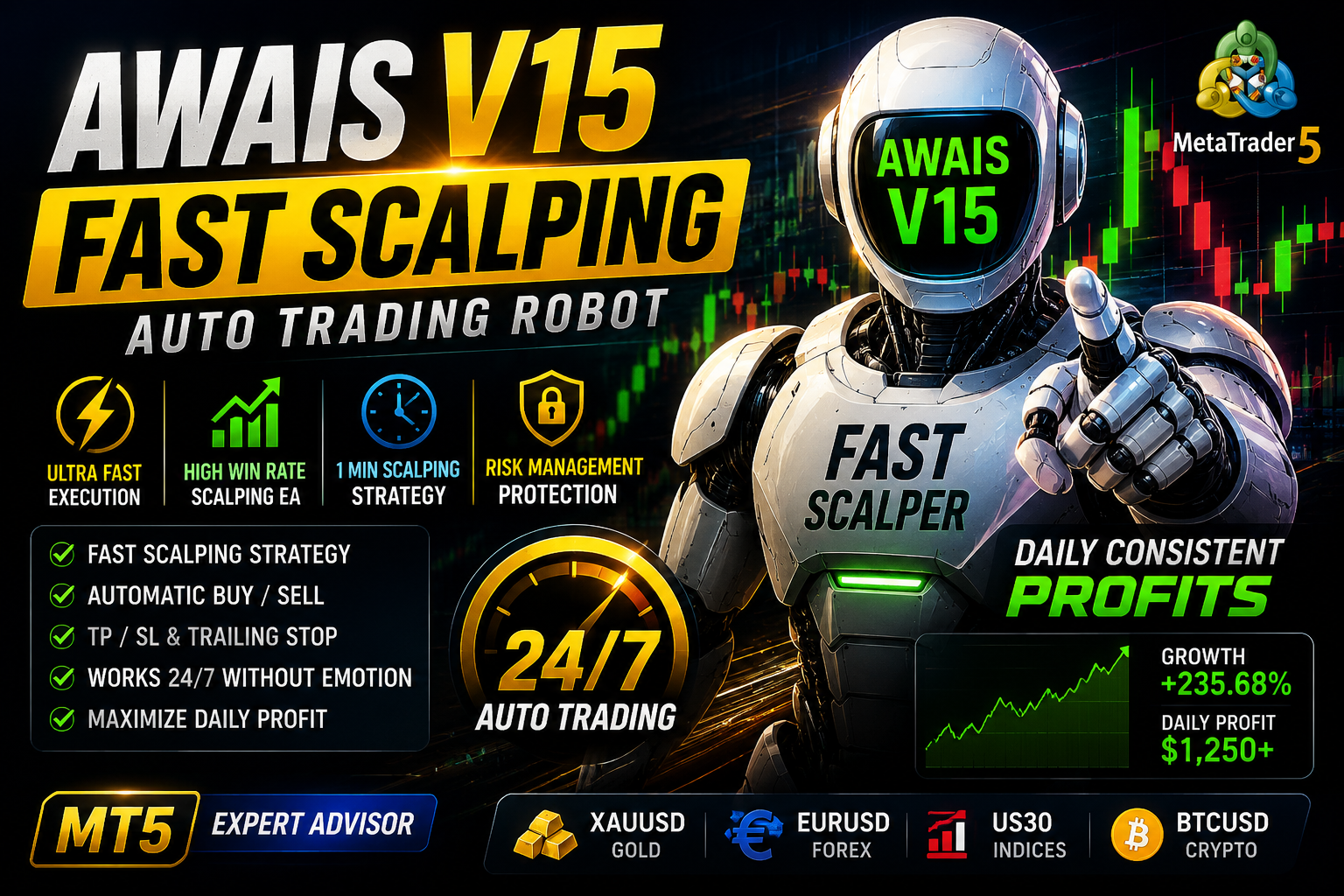
Awais V15 ROBOT
Awais Forex Bot MT5 is a fully automated trading robot designed for MT5, using smart market analysis to generate precise buy/sell trades
🎥 Installation Video
📖 Installation Instructions
What is Awais V15 ROBOT?
Awais V15 ROBOT is a sophisticated automated trading system designed specifically for Pakistani and Gulf region forex traders seeking consistent performance in volatile markets. This expert advisor combines advanced grid recovery strategies with intelligent risk management to navigate both trending and ranging market conditions. Built on proven algorithmic principles, Awais V15 ROBOT has earned its top-rated status through reliable performance and user-friendly operation suitable for traders of all experience levels.
Key Features
- Multi-Currency Support: Trades major and minor pairs including EUR/USD, GBP/USD, USD/JPY, and gold (XAU/USD), allowing portfolio diversification across multiple instruments simultaneously.
- Intelligent Grid Recovery System: Implements a smart grid strategy with adjustable distance parameters that recovers from drawdowns systematically while maintaining controlled risk exposure.
- Advanced Money Management: Features automatic lot sizing based on account equity, ensuring proportional position sizing that adapts to your account growth or drawdown situations.
- Session-Based Trading: Incorporates Asian, European, and American session filters to trade during optimal market conditions and avoid low-liquidity periods that increase slippage.
- News Filter Protection: Built-in economic calendar integration that pauses trading during high-impact news releases, protecting your account from unpredictable volatility spikes.
- Basket Close Technology: Closes all trades collectively when combined profit targets are reached, maximizing recovery efficiency and reducing individual trade dependency.
- Trailing Stop Mechanism: Protects profits by automatically adjusting stop losses as trades move favorably, locking in gains during strong trending moves.
- Multi-Timeframe Analysis: Analyzes multiple timeframes simultaneously to confirm trade entries and improve overall trade quality and win rate.
- VPS Optimized: Lightweight code structure designed for 24/7 operation on virtual private servers with minimal resource consumption and maximum uptime.
- Pakistani Trader Friendly: Complete Urdu and English documentation, WhatsApp support, and settings optimized for brokers popular in Pakistan and Gulf markets.
System Requirements
- Trading Platform: MetaTrader 4 (build 1325 or higher) or MetaTrader 5 (build 3450 or higher)
- Operating System: Windows 7/8/10/11 or Windows VPS (Linux VPS with Wine compatibility)
- Minimum Account Balance: 10K Cents for standard accounts, 100K Cents for cent accounts recommended for safe operation
- Broker Requirements: ECN or standard account with spreads under 2 pips on major pairs, hedging allowed
- Internet Connection: Stable broadband connection or VPS with 99.9% uptime for uninterrupted trading
- Leverage: Minimum 1:100, recommended 1:200 to 1:500 for optimal grid management
- VPS Specifications: 1GB RAM minimum, 2GB recommended, 10GB storage, located near broker server
Installation Steps
- Download and Extract: After purchase, download the Awais V15 ROBOT zip file from your MR WOW EA account dashboard. Extract all files to a temporary folder on your computer using WinRAR or 7-Zip.
- Locate Data Folder: Open MetaTrader 4 or MT5, click on 'File' menu, then select 'Open Data Folder'. This will open the installation directory for your trading platform.
- Copy EA Files: Navigate to MQL4\Experts folder (MT4) or MQL5\Experts folder (MT5). Copy the Awais V15 ROBOT.ex4 or .ex5 file from your extracted folder into this Experts directory.
- Copy Additional Files: If the package includes library files (.dll), copy them to MQL4\Libraries or MQL5\Libraries folder. Copy any preset files (.set) to MQL4\Presets or MQL5\Presets folder.
- Restart Platform: Close MetaTrader completely and reopen it to refresh the navigator panel and load the newly installed expert advisor.
- Enable Automated Trading: In MetaTrader, go to Tools > Options > Expert Advisors tab. Check 'Allow automated trading', 'Allow DLL imports', and 'Allow WebRequest for listed URLs'. Click OK.
- Attach to Chart: In the Navigator panel, expand 'Expert Advisors' section, find Awais V15 ROBOT, and drag it onto your desired currency pair chart (recommended: EUR/USD H1 timeframe initially).
- Configure Settings: In the EA settings window that appears, go to 'Inputs' tab, adjust your risk percentage, lot size, and other parameters according to your account size. Check 'Allow live trading' and click OK. You should see a smiling face icon in the top-right corner of the chart indicating the EA is active.
Recommended Settings
- Currency Pairs: EUR/USD, GBP/USD, USD/JPY for beginners; add XAU/USD, AUD/USD for experienced traders with larger accounts (minimum $1000)
- Timeframe: H1 (1-hour) for balanced performance; M30 for more active trading; H4 for conservative approach
- Initial Lot Size: 0.01 lot per $500 account balance when using fixed lots; enable auto lot sizing for accounts above $1000
- Risk Percentage: 2-5% per trade cycle for moderate risk; maximum 10% for aggressive traders with experience
- Grid Distance: 20-30 pips for major pairs (EUR/USD, GBP/USD); 30-50 pips for gold; adjust based on average daily range
- Maximum Trades: 5-8 simultaneous positions per pair recommended; maximum 10 for experienced users with adequate margin
- Trading Sessions: Enable European and American sessions for maximum opportunities; disable Asian session if your broker has wider spreads during those hours
- News Filter: Always enable for accounts under $2000; optional for larger accounts that can absorb volatility
Frequently Asked Questions
Can I use Awais V15 ROBOT with Pakistani brokers like Teletrade or OctaFX?
Yes, Awais V15 ROBOT works excellently with all major Pakistani and international brokers including Teletrade, OctaFX, XM, FBS, and HotForex. The EA is optimized for both ECN and standard account types. Ensure your broker allows hedging and has spreads under 2 pips on major pairs for best results. We recommend testing on a demo account first to verify compatibility with your specific broker's execution speed and spreads.
Do I need a VPS or can I run it on my personal computer?
While you can run Awais V15 ROBOT on your personal computer, we strongly recommend using a VPS for optimal performance. A VPS ensures 24/7 operation without interruptions from power outages, internet disconnections, or computer restarts that are common in Pakistan. Many Pakistani traders use affordable VPS services like Forex VPS Pakistan or international providers like Vultr and DigitalOcean. VPS costs typically range from $5-15 monthly and significantly improve EA performance.
What is the expected monthly return and is my capital safe?
Awais V15 ROBOT typically generates 8-15% monthly returns under normal market conditions when used with recommended settings. However, forex trading involves substantial risk, and past performance doesn't guarantee future results. The EA includes multiple safety features like stop losses, news filters, and maximum drawdown limits, but no trading system can guarantee profits. We recommend starting with the minimum account size ($500), using proper risk settings (2-5%), and never investing money you cannot afford to lose.
How do I update to newer versions and is support available in Urdu?
All registered users receive free lifetime updates for Awais V15 ROBOT. When new versions are released, you'll receive notifications via email and WhatsApp. Simply download the new version from your dashboard and replace the old file following the same installation steps. Our support team provides assistance in both English and Urdu through WhatsApp, email, and TeamViewer for remote setup help. Average response time is under 4 hours during business days.
Can I use this EA with prop firm challenges like FTMO or Funded Next?
Yes, Awais V15 ROBOT is compatible with most prop firm rules including FTMO, Funded Next, and The5ers. However, you must adjust settings carefully to meet specific firm requirements. Use conservative risk settings (1-2% maximum), disable aggressive grid strategies, and ensure maximum daily drawdown limits match your challenge rules. We provide a special preset file specifically for prop firm challenges. Always test on a demo account matching your prop firm's conditions before going live in a challenge.
📋 Specifications
| Account Type | Standard, ECN, Cent accounts |
| Auto Lot Sizing | Yes |
| Backtest Results Available | Yes |
| Basket Trading | Yes |
| Broker Type | Any |
| Compatible Brokers | All ECN and standard brokers |
| Currency Pairs | EUR/USD, GBP/USD, USD/JPY, XAU/USD, AUD/USD |
| Demo Available | Yes |
| Equity/Balance Required (min) | 10K Cents minimum, 100K Cents recommended |
| FIFO Rule Compatible | No |
| File Format | .ex4 (MT4), .ex5 (MT5) |
| File Size | 1.2 MB |
| Free Updates | Lifetime |
| Grid Distance (pips) | 20-50 pips (pair dependent) |
| Hedging Allowed | Yes |
| Leverage Required | 1:100 minimum (1:200-1:500 recommended) |
| License Type | 1 Live |
| Max Drawdown | 25-30% |
| Recommended Max Spread | 2.0 pips for major pairs |
| Max Simultaneous Trades | 10 per pair |
| Monthly Return (avg) | 8-15% average |
| News Filter | Yes |
| Platform | MT4 & MT5 |
| Prop Firm Friendly | No |
| Recommended Broker | OctaFX, XM, FBS, Teletrade |
| Recommended Lot Size | 0.01 per $500 balance |
| Recovery Mode | Yes |
| Risk Level | Medium |
| Session Filter | Yes |
| Setup Difficulty | Beginner |
| Signal Notifications | Email, Push, MT4/MT5 alerts |
| Slippage Tolerance | 3 pips maximum tolerance |
| Source Code Included | No |
| Stop Loss Type | Both |
| Strategy Type | Grid Recovery with Basket Trading |
| Support | WhatsApp, Email, TeamViewer (Urdu & English) |
| Take Profit Type | Both |
| Timeframe | M30, H1, H4 (H1 recommended) |
| Trade Copier Compatible | Yes |
| Trading Hours | Asia & London |
| Version | V15 |
| VPS Required | Recommended |