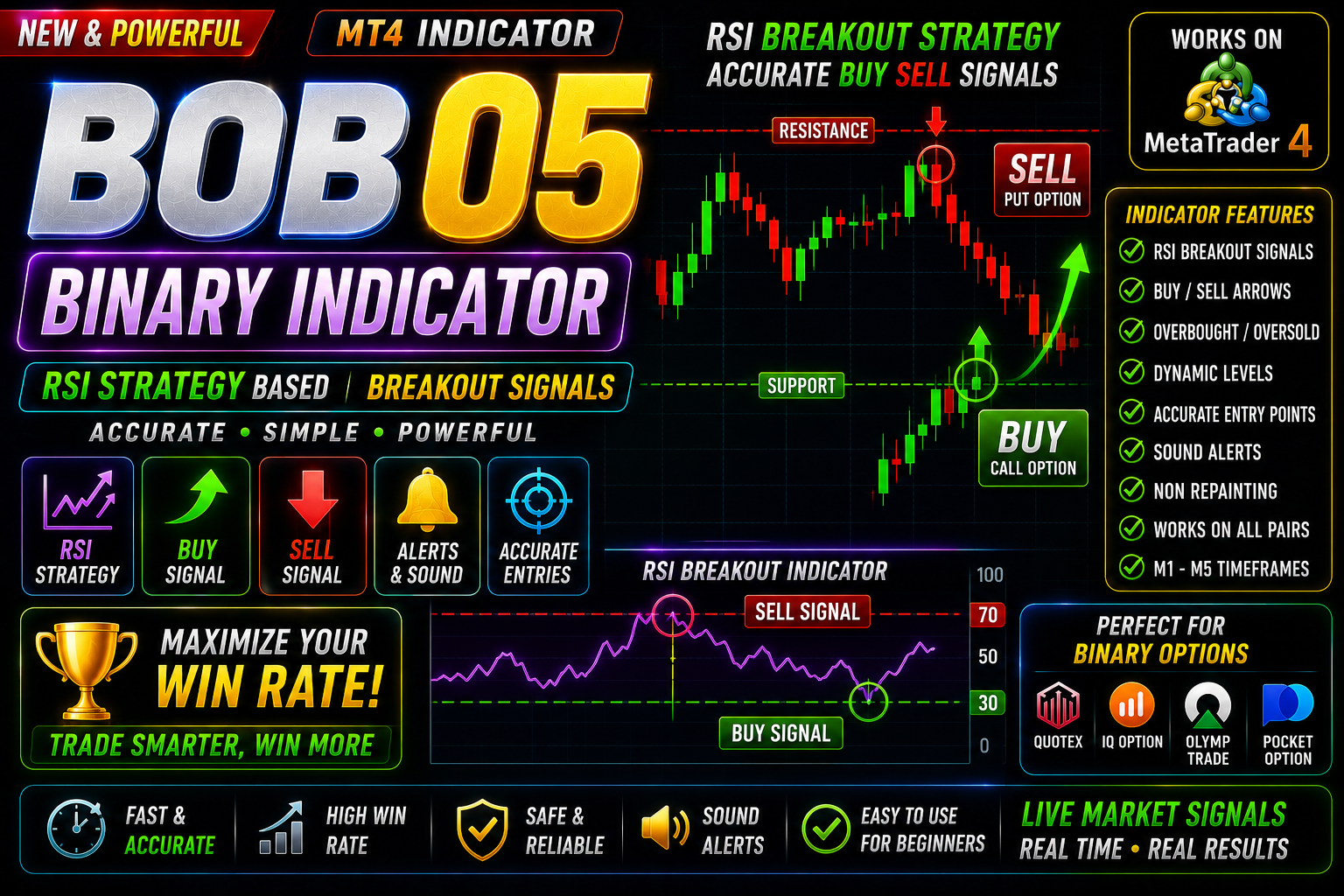
Bob 05 Binary Trading with RSI
Bob 05 Specially design for Binary trading on Live market and OTC market.
🎥 Installation Video
📖 Installation Instructions
What is it?
The Bob 05 Binary Indicator is a powerful technical analysis tool designed for MetaTrader 4 (MT4). Tailored specifically for high-probability binary options and short-term Forex trading, it analyzes market momentum, price action, and volatility to generate clear entry signals. Traders using platforms like Quotex often rely on this indicator in MT4 to chart accurate buy (Call) and sell (Put) reversal zones before taking trades on their broker terminal. If you are looking for an effective trading tool free download to elevate your short-term trading strategy, the Bob 05 Binary Indicator provides an intuitive solution.
Key Features
- Non-Repainting Signals: Arrows and visual alerts remain fixed on the chart once the candle closes, ensuring historical backtesting accuracy.
- Multi-Timeframe Compatibility: Optimized for M1, M5, and M15 timeframes suitable for 1-minute to 15-minute binary expiry times.
- Integrated Alert System: On-screen pop-ups, sound notifications, and push alerts ensure you never miss a trade setup.
- Quotex & Forex Versatility: Analyzes standard currency pairs, commodities (Gold), and OTC synthetic markets smoothly.
- Beginner-Friendly Interface: Clean visual layout with clear buy/sell arrows requiring minimal manual chart clutter.
System Requirements
- Trading Platform: MetaTrader 4 (MT4) desktop client.
- Operating System: Windows 7, 8, 10, or 11 (or macOS via Wine/VPS).
- Hardware: Minimum 1 GHz CPU, 512 MB RAM, and stable internet connection.
- Broker Terminal: Any standard MT4 Forex broker or Web-based Binary platform like Quotex.
Installation Steps
Follow these quick steps to install the indicator file into your MetaTrader 4 terminal:
Step 1: Download the File
Obtain the Bob 05 Binary Indicator package (.ex4 or .mq4 file) through your trusted trading tool free download link.
Step 2: Access the MT4 Data Folder
Open your MT4 desktop client. Click on File from the top navigation menu and select Open Data Folder.
Step 3: Paste into MQL4 Indicators Directory
In the folder window that appears, navigate to MQL4 > Indicators. Paste the downloaded Bob_05_Binary_Indicator.ex4 file into this folder.
Step 4: Restart or Refresh MT4
Close and restart MT4, or right-click on "Indicators" inside the Navigator panel (Ctrl + N) and select Refresh.
Step 5: Apply to Chart
Drag and drop the Bob 05 Binary Indicator from the Navigator window onto your desired currency pair chart. Enable "Allow DLL imports" in the Common tab, then click OK.
Recommended Settings
- Timeframe: M1 chart for 2-5 minute expiry times, or M5 chart for 15-minute expiry times.
- Assets: Major Forex currency pairs (EUR/USD, GBP/USD, USD/JPY) and Gold (XAUUSD).
- Trading Hours: London and New York session overlaps for optimal liquidity and trend movement.
- Signal Rule: Enter trade on the opening of the next candle following the signal arrow confirmation.
Frequently Asked Questions
Is Bob 05 Binary Indicator completely free to use?
Yes, you can access this trading tool free download to enhance your technical analysis setup without subscription fees.
Can I use this indicator directly on Quotex?
Quotex web terminals do not support custom .ex4 files directly. You analyze price movement using MT4 on your PC and place matching trades on your Quotex broker platform.
Does the Bob 05 indicator repaint its arrows?
No, the signals confirm upon the close of the current candlestick and do not repaint or shift positions retroactively.
Support
If you encounter any issues during the setup process or require assistance with configuration, contact our team through our official Telegram group or website support desk. Please verify that your MT4 platform is updated to the latest build to guarantee smooth execution.
📋 Specifications
| Accuracy (%) | 89-99% |
| Alert Sound | Yes |
| Alerts | Yes (Push, Email, Sound) |
| Best Session | All Sessions |
| Buffer Values (for EAs) | Yes |
| Dashboard (on chart) | No |
| Divergence Detection | Yes |
| Indicator Type | RSI BreakOut |
| Multi-Timeframe (MTF) | Yes |
| Repaint | No Repaint |
| Screener/Scanner (multi-pair) | No |
| Signal Delay | End of Bar |
| Signal Type | BUY SELL ALERT |