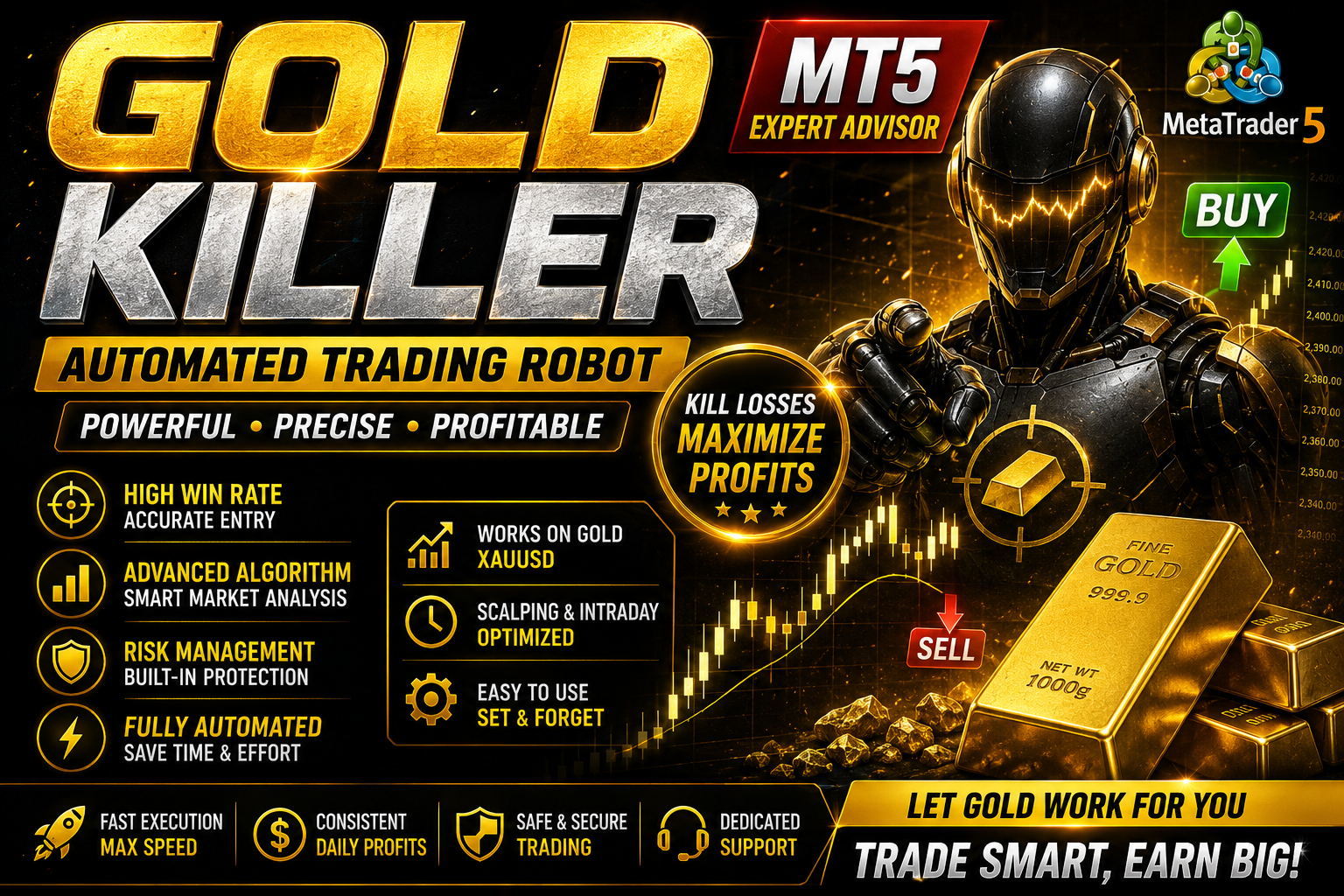
Gold Killer EA
Gold Killer Expert Advisor MT5 With Live Back testing Results Free Download || 2025 ||
🎥 Installation Video
📖 Installation Instructions
What is Gold Killer EA?
Gold Killer EA is a specialized automated trading robot designed specifically for trading Gold (XAUUSD) on the MetaTrader platform. This expert advisor uses advanced price action analysis and volatility-based strategies to identify high-probability trading opportunities in the gold market, making it ideal for Pakistani and Gulf region traders who prefer gold trading during Asian and European sessions.
The EA combines smart risk management with proven scalping and swing trading techniques to capture profitable moves in gold's daily price fluctuations, while protecting your capital through intelligent stop-loss placement and position sizing.
Key Features
- Gold-Specific Strategy: Optimized exclusively for XAUUSD trading with parameters fine-tuned for gold's unique volatility patterns and price behavior
- Multi-Timeframe Analysis: Analyzes multiple timeframes simultaneously to confirm trend direction and entry points before executing trades
- Smart Money Management: Automatic lot sizing based on your account balance and risk tolerance, ensuring consistent risk per trade
- Volatility Filter: Built-in volatility detection that avoids trading during extremely choppy or low-volume periods to reduce false signals
- News Filter Protection: Automatically stops trading before major economic news releases that can cause unpredictable gold price movements
- Session-Based Trading: Configured to trade during optimal market sessions when gold liquidity and price action are most favorable
- Trailing Stop Feature: Intelligent trailing stop mechanism that locks in profits as gold price moves in your favor
- Dashboard Display: Clean on-chart display showing active trades, profit/loss, and current EA status for easy monitoring
- Low Drawdown Design: Conservative approach with strict risk controls to minimize account drawdown during unfavorable market conditions
- Telegram Notifications: Real-time trade alerts sent directly to your mobile device so you stay informed wherever you are
System Requirements
- Trading Platform: MetaTrader 4 (build 1260 or higher) or MetaTrader 5 (latest version recommended)
- Operating System: Windows 7/8/10/11 or Windows VPS (Linux VPS with MT4/MT5 Wine installation)
- VPS Requirements: Highly recommended for uninterrupted trading - minimum 1GB RAM, stable internet connection
- Broker Requirements: ECN or Raw Spread broker with tight gold spreads (below 20 pips preferred)
- Account Currency: USD, EUR, or PKR accounts supported
- Minimum Deposit: $500 minimum recommended, $1000+ for optimal performance and risk management
- Leverage: Minimum 1:100 leverage recommended for gold trading (1:500 or higher preferred)
- Symbol Name: EA auto-detects XAUUSD, GOLD, or broker-specific gold symbol variations
Installation Steps
- Download the EA File: After purchase, download the Gold Killer EA file (.ex4 or .ex5 format) from your MR WOW EA account dashboard to your computer
- Open MetaTrader Data Folder: Launch your MetaTrader platform, click File menu → Open Data Folder to access the installation directory
- Copy EA to Experts Folder: Navigate to MQL4/Experts (for MT4) or MQL5/Experts (for MT5) folder and paste the downloaded Gold Killer EA file there
- Restart MetaTrader: Close and reopen your MetaTrader platform completely to load the newly installed expert advisor
- Attach EA to Gold Chart: Open an XAUUSD chart (recommended H1 timeframe), drag Gold Killer EA from Navigator panel onto the chart
- Enable Automated Trading: In the EA settings window, check "Allow Algo Trading" box, configure your preferred settings, then click OK
- Activate AutoTrading Button: Click the "AutoTrading" button in the top toolbar (it should turn green) to enable live trading
- Verify EA is Running: Confirm you see a smiley face icon in the top-right corner of the chart and the EA dashboard displays properly
Recommended Settings
- Currency Pair: XAUUSD (Gold vs US Dollar) only - do not use on other pairs as it's specifically optimized for gold
- Timeframe: H1 (1-Hour) chart for best performance, M30 acceptable for more aggressive trading style
- Lot Size: Start with 0.01 lots per $1000 account balance, enable auto lot sizing for dynamic position management
- Risk Per Trade: Set to 1-2% maximum risk per trade in the EA settings for conservative capital preservation
- Trading Sessions: Enable London and New York sessions for maximum liquidity, disable Asian session unless you prefer overnight trading
- Max Spread: Set maximum allowed spread to 20-25 pips to avoid trading during wide spread conditions
- Take Profit: Default 30-50 pips works well for H1 timeframe, adjust based on current market volatility
- Stop Loss: Keep default 25-40 pips stop loss, never disable stop loss for safety
- News Filter: Enable news filter and avoid trading 30 minutes before and after high-impact USD or Gold-related news
- Broker Selection: Use reputable ECN brokers popular in Pakistan like IC Markets, FBS, or Exness for tight spreads and fast execution
Frequently Asked Questions
Can I use Gold Killer EA on a standard account or do I need an ECN account?
Gold Killer EA works on both standard and ECN accounts, but ECN or Raw Spread accounts are strongly recommended for better performance. Gold trading requires tight spreads and fast execution, which ECN brokers provide better than standard accounts. With standard accounts, you may experience more slippage and higher costs that can reduce profitability. Most Pakistani traders use ECN accounts from international brokers for optimal results.
What is the minimum capital required to run this EA safely?
The absolute minimum is $500, but we strongly recommend starting with at least $1000 for proper risk management and to withstand normal market drawdowns. With $1000 and proper 1-2% risk settings, the EA can manage positions safely during volatile gold movements. Traders with smaller accounts ($500-$700) should use 0.01 micro lots and very conservative settings. Remember that gold is more volatile than forex pairs, so adequate capital is essential for long-term success.
Does this EA work on demo accounts for testing before going live?
Yes, Gold Killer EA works perfectly on demo accounts and we highly recommend testing it for at least 1-2 weeks on demo before using real money. This allows you to understand the EA's behavior, verify your settings, and gain confidence in its performance. Demo testing also helps you learn how the EA responds to different market conditions and news events. Just ensure your demo account conditions (spread, execution speed) closely match your intended live account.
Is VPS necessary or can I run this EA on my home computer?
While you can run Gold Killer EA on your home computer, a VPS is highly recommended for consistent results. Pakistan's electricity load shedding and internet connectivity issues can interrupt trading and cause missed opportunities or orphaned trades. A reliable VPS ensures 24/7 operation with stable connection to your broker's server. Many Pakistani traders use affordable VPS options like Contabo or broker-provided VPS services. The small VPS cost is worth it for uninterrupted automated trading.
Can I use this EA with prop trading firms or funded accounts?
Gold Killer EA is compatible with most prop firms, but you must check your specific firm's rules first. Some prop firms restrict gold trading, limit certain EA strategies, or have strict drawdown rules. The EA's conservative approach and proper risk management make it suitable for prop challenges, but always verify: maximum daily loss limits, prohibited trading styles, allowed trading hours, and EA usage policies. Many traders successfully use it with FTMO, MyForexFunds, and similar prop firms by adjusting risk settings accordingly.
📋 Specifications
| Account Type | ECN, Standard, Cent |
| Auto Lot Sizing | Yes |
| Backtest Results Available | Yes |
| Basket Trading | No |
| Broker Type | Raw Spread |
| Compatible Brokers | All ECN/Raw Spread brokers |
| Currency Pairs | XAUUSD (Gold only) |
| Demo Available | Yes |
| Equity/Balance Required (min) | $500 minimum, $1000 recommended |
| FIFO Rule Compatible | Yes |
| File Format | .ex4, .ex5 |
| File Size | 2.8 MB |
| Free Updates | Lifetime |
| Hedging Allowed | Yes |
| Leverage Required | 1:100 minimum, 1:500 preferred |
| License Type | 1 Live + Unlimited Demo |
| Max Drawdown | 15-20% |
| Recommended Max Spread | 20 pips |
| Max Simultaneous Trades | 3 |
| Monthly Return (avg) | 8-15% |
| News Filter | Yes |
| Platform | MT4 & MT5 |
| Prop Firm Friendly | Yes |
| Recommended Broker | IC Markets, Exness, FBS |
| Recommended Lot Size | 0.01 per $1000 |
| Recovery Mode | No |
| Risk Level | Medium |
| Session Filter | Yes |
| Setup Difficulty | Beginner |
| Signal Notifications | Telegram, Email, Push |
| Slippage Tolerance | 3 pips tolerance |
| Source Code Included | No |
| Stop Loss Type | Both |
| Strategy Type | Volatility Breakout + Price Action |
| Support | Email & WhatsApp |
| Take Profit Type | Fixed |
| Timeframe | H1 (M30 acceptable) |
| Trade Copier Compatible | Yes |
| Trading Hours | London & New York Sessions |
| Version | 3.2 |
| VPS Required | Recommended |