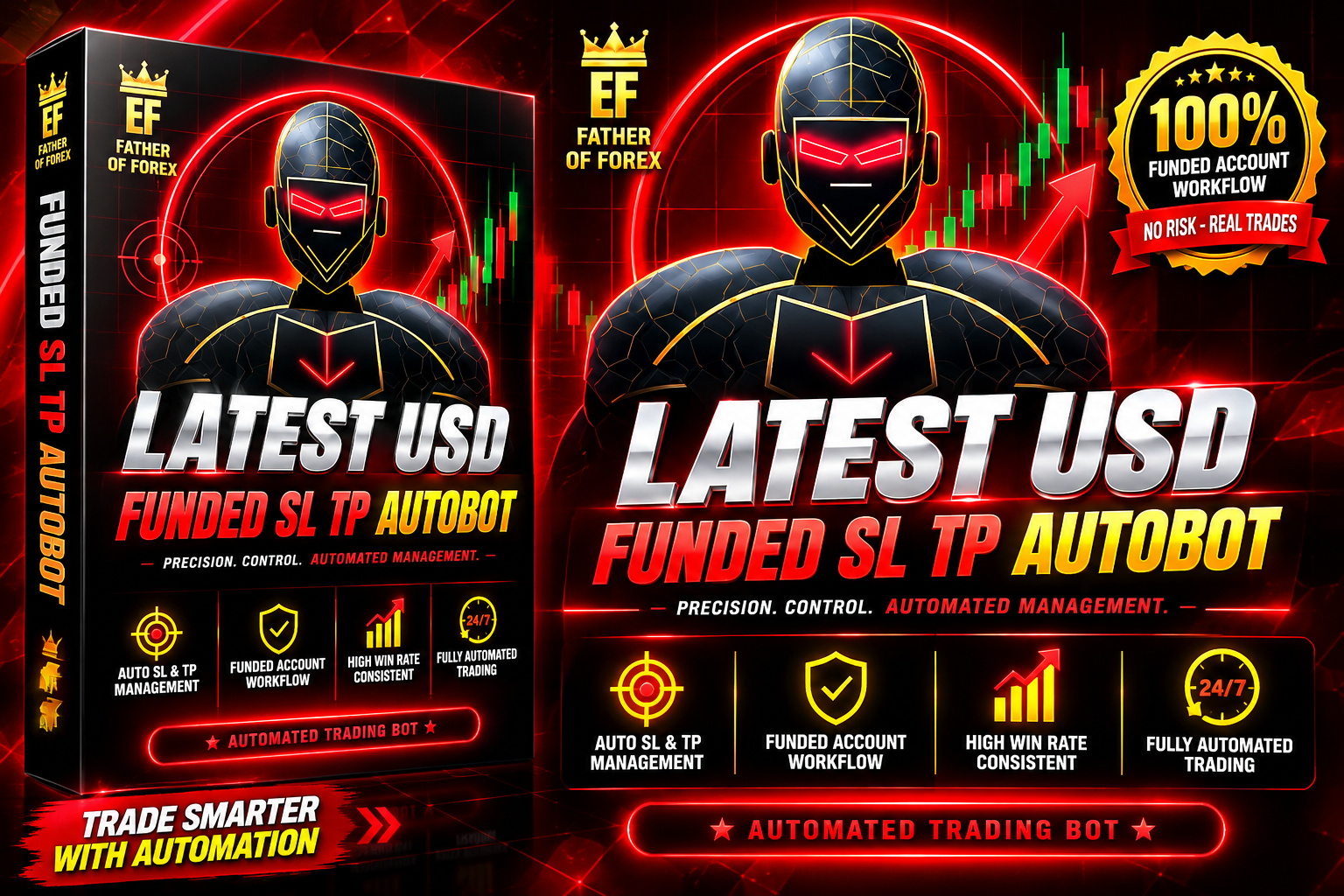
Latest USD and Funded SL TP Autobot
Designed for both personal and funded trading accounts, this EA helps traders manage their trading activities with less manual effort. Its structured approach makes it suitable for traders looking for automated execution and controlled risk management.
🎥 Installation Video
📖 Installation Instructions
What is it?
The Latest USD and Funded SL TP Autobot is an advanced automated Expert Advisor (EA) engineered specifically for the MetaTrader 5 (MT5) platform. Operating within the Forex market, this trading tool is designed to automate position management, execution, and risk parameters on USD-based currency pairs. Built with funded account compliance in mind, it provides precise control over Stop Loss (SL) and Take Profit (TP) placement to safeguard capital. Whether you are looking for a reliable trading tool free download to backtest on a demo account or seeking an effective automated risk management assistant for live trading, this EA simplifies daily execution while eliminating emotional trading mistakes.
Key Features
- Automated Risk Control: Dynamically calculates and places precision Stop Loss and Take Profit levels based on user inputs or market structure.
- Funded Account Optimization: Features daily drawdown limits and maximum equity loss protection tailored for prop firm challenges.
- USD Pair Specialization: Fine-tuned algorithm dedicated to analyzing liquidity and volatility patterns across major USD pairs.
- Flexible Trailing Stop Engine: Secures profits as market trends progress by automatically trailing Stop Loss orders.
- Full Automation: Monitors charts 24/5, opening, adjusting, and closing trades automatically without manual intervention.
System Requirements
- Platform: MetaTrader 5 (MT5) Desktop Client.
- Operating System: Windows 10/11 or Windows Server (for Virtual Private Server deployment).
- Account Type: ECN or Low-Spread account with fast order execution.
- Minimum Capital: $100 for micro/cent accounts, or appropriate sizing for standard funded accounts.
- Connectivity: Stable internet connection; a low-latency Forex VPS is strongly recommended for 24/5 uptime.
Installation Steps
Step 1: Download the Expert Advisor File
Obtain the official Latest USD and Funded SL TP Autobot file (ending in .ex5) from your vendor or via a trusted trading tool free download repository, and save it to your local computer.
Step 2: Access the MT5 Data Folder
Launch MetaTrader 5. Click on the File menu in the upper-left corner and select Open Data Folder.
Step 3: Transfer the EA File
In the newly opened directory, navigate to MQL5 > Experts. Copy and paste your downloaded .ex5 file directly into this folder.
Step 4: Enable Automated Trading Settings
Return to MetaTrader 5. Go to Tools > Options and select the Expert Advisors tab. Check the box labeled "Allow Algo Trading" (and "Allow DLL imports" if requested by the developer), then click OK. Make sure the main Algo Trading button on the top toolbar is lit up green.
Step 5: Attach the EA to Your Chart
Open the Navigator panel by pressing Ctrl + N, expand Expert Advisors, right-click, and choose Refresh. Drag the Latest USD and Funded SL TP Autobot onto your desired USD currency pair chart (e.g., EURUSD, GBPUSD).
Recommended Settings
- Pairs: EURUSD, GBPUSD, USDJPY, and USDCAD.
- Timeframe: M15 or H1 depending on your preferred intraday strategy.
- Risk Per Trade: 0.5% to 1.0% of total account balance to maintain strict drawdown limits.
- Spread Filter: Set a maximum spread threshold (e.g., 20 points) to prevent entering trades during news volatility or market rollover.
- Slippage: Keep default slippage settings between 3 to 5 pips.
Frequently Asked Questions
Can I test this EA on a demo account first?
Yes. It is always recommended to test any trading tool free download on an MT5 demo account or within the MT5 Strategy Tester for several weeks before putting real funds at risk.
Is this tool suitable for funded account challenges?
Yes, the Autobot is specifically designed with built-in risk caps, automated SL/TP calculations, and max daily drawdown filters to help traders stay within funded account rules.
Do I need to keep my PC running continuously?
For optimal execution and continuous market monitoring, using a dedicated Forex VPS is recommended so the EA runs 24/5 even when your personal computer is turned off.
Support
For assistance with configuration, optimization presets, or installation troubleshooting, contact our technical support team via the official vendor website or your MQL5 Community profile dashboard. Ensure you keep your EA updated to the latest build to maintain performance and platform compatibility.
📋 Specifications
| Account Type | Standard, ECN, Raw Spread, Cent |
| Auto Lot Sizing | No |
| Backtest Results Available | No |
| Basket Trading | No |
| Broker Type | Any |
| Compatible Brokers | Exness ,Dooprime |
| Currency Pairs | XAU/USD |
| Demo Available | No |
| Equity/Balance Required (min) | $500 (minimum) |
| FIFO Rule Compatible | No |
| File Format | EX5 |
| File Size | 1.2 MB |
| Free Trial Days | NO |
| Free Updates | Lifetime |
| Grid Distance (pips) | NO |
| Hedging Allowed | Yes |
| Leverage Required | 1:1000 |
| License Type | ON DEMAND |
| Max Drawdown | 5% |
| Recommended Max Spread | 2.5 pips (majors) |
| Max Simultaneous Trades | UNLIMITED |
| Money Back Guarantee | No |
| Monthly Return (avg) | 8-15% (avg) |
| News Filter | No |
| Platform | MT5 |
| Prop Firm Friendly | Yes |
| Recommended Broker | DooPrime |
| Recommended Lot Size | 0.01 |
| Recovery Mode | No |
| Risk Level | Low |
| Session Filter | No |
| Setup Difficulty | Beginner |
| Signal Notifications | Push, Email, Telegram |
| Slippage Tolerance | 30 PIPS |
| Source Code Included | No |
| Stop Loss Type | Trailing |
| Strategy Type | PENDING ORDERS |
| Support | 24/5 |
| Take Profit Type | Partial |
| Timeframe | M5 |
| Trade Copier Compatible | Yes |
| Trading Hours | 24/5 |
| Version | 2.4 |
| VPS Required | Yes |