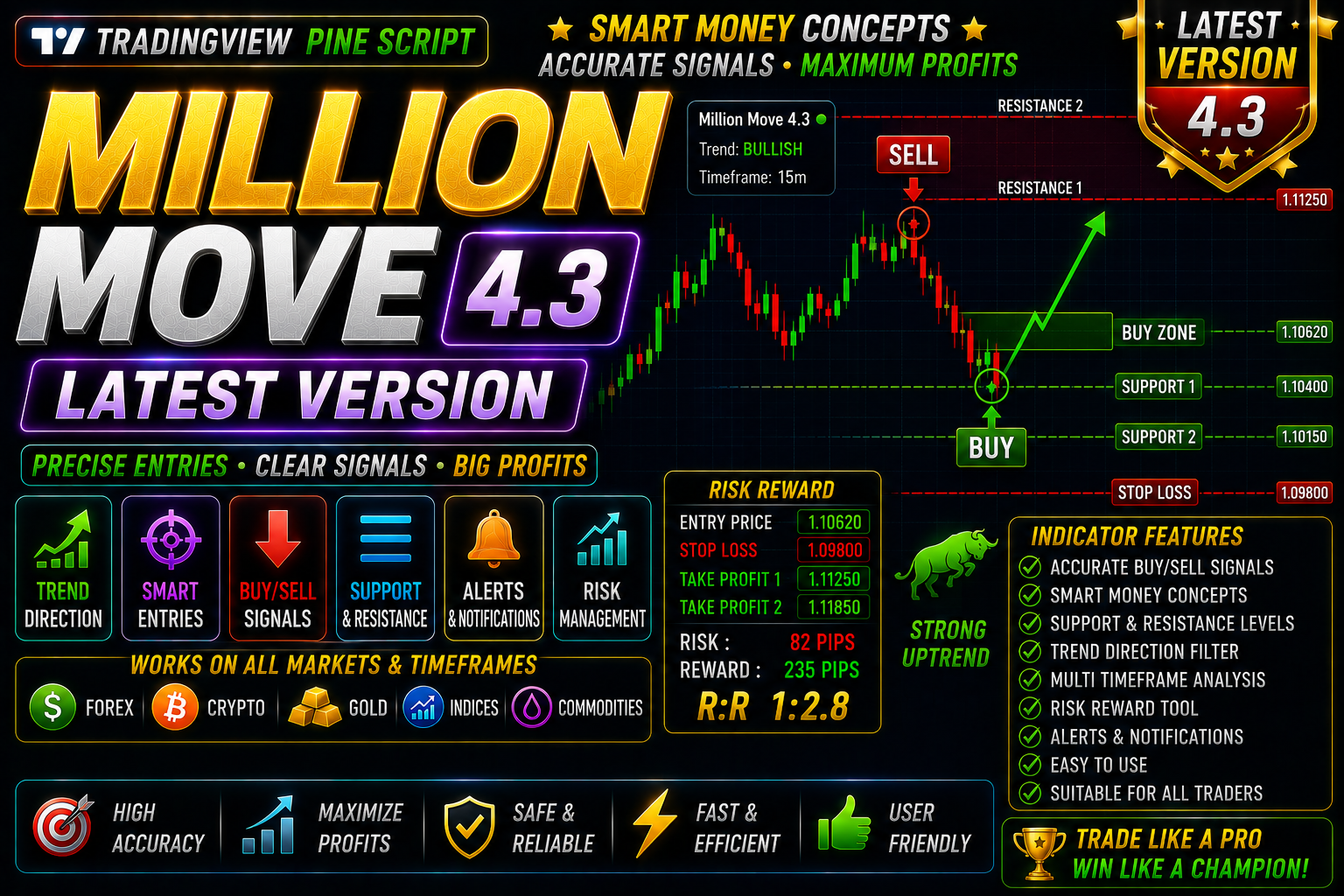
Million Moves V-4
Million Moves V-4 Indicator Forex Trading View Free Download
🎥 Installation Video
📖 Installation Instructions
What is Million Moves V-4.3?
Million Moves V-4 is a sophisticated TradingView indicator designed to identify high-probability trading opportunities across multiple currency pairs and timeframes. Built with advanced Pine Script algorithms, this indicator detects critical market movements, trend reversals, and momentum shifts to help traders make informed decisions in real-time.
Key Features
- Multi-Signal Detection: Combines trend analysis, momentum indicators, and volume patterns to generate comprehensive buy/sell signals with enhanced accuracy.
- Smart Entry/Exit Zones: Automatically marks optimal entry and exit points on your chart with dynamic support and resistance levels based on real-time price action.
- Customizable Alert System: Set up pop-up, email, and sound alerts for signal triggers, allowing you to monitor multiple pairs without constantly watching charts.
- Visual Clarity: Clean on-chart display with color-coded arrows, zones, and trend lines that don't clutter your workspace while providing all essential information.
- Multi-Timeframe Analysis: Scan and display signals from higher timeframes on your current chart to confirm trade setups and avoid false signals.
- Session-Based Filtering: Filter signals based on London, New York, or Asian trading sessions to focus on the most liquid market periods.
- Volatility Adaptation: Automatically adjusts sensitivity based on current market volatility, reducing noise during ranging markets and capturing breakouts during trending conditions.
- Dashboard Statistics: On-chart performance dashboard showing win rate, signal count, and trend strength metrics for quick decision-making.
- Non-Repainting Architecture: Signals are confirmed and locked once the candle closes, ensuring reliable backtesting and forward testing results.
- Mobile Compatible: Works seamlessly on TradingView mobile apps, allowing you to receive alerts and monitor positions on the go.
System Requirements
- Active TradingView account (Free plan supported; Pro or Premium recommended for using multiple indicators simultaneously)
- Any modern web browser (Chrome, Firefox, Safari, Edge)
- Internet connection for real-time data streaming
- Works on Windows, Mac, Linux desktop computers
- Compatible with iOS and Android tablets and smartphones via TradingView app
- Minimum screen resolution: 1280x720 for optimal chart viewing
- No VPS or special server requirements needed
Installation Steps
- Log in to your TradingView account at tradingview.com using your credentials.
- Open any chart by selecting a currency pair or instrument from the search bar at the top.
- Click the "Pine Editor" tab located at the bottom of your screen to open the code editor panel.
- Copy the complete Pine Script code for Million Moves V-4 (provided to you after purchase via email or download link) and paste it into the Pine Editor window.
- Click the "Save" button at the top of the Pine Editor and give your script a memorable name such as "Million Moves V-4".
- Click the "Add to Chart" button — the indicator will immediately appear overlaid on your price chart with default settings.
- To customize settings, hover your mouse over the indicator name in the top-left corner of the chart and click the settings icon (gear symbol) that appears.
- Configure your preferred inputs including signal sensitivity, timeframe selection, color schemes, and alert preferences in the settings panel.
- To enable alerts, right-click anywhere on your chart, select "Add Alert" from the menu, then choose the Million Moves V-4 condition from the dropdown list and configure your notification preferences.
Recommended Settings
- Timeframe: Use H1 (1-hour) or H4 (4-hour) charts for swing trading; M15 or M30 for intraday scalping setups.
- Signal Sensitivity: Start with medium sensitivity (default) for balanced signal frequency; increase for more signals in ranging markets, decrease for trending markets.
- Alert Configuration: Enable "Once Per Bar Close" alerts to avoid premature notifications during candle formation.
- MTF Reference: Set multi-timeframe view to one level higher than your trading timeframe (e.g., if trading H1, set MTF to H4) for trend confirmation.
- Session Filter: For EUR/USD and GBP/USD, enable London and New York sessions; for Asian pairs like USD/JPY, enable Asian session filtering.
- Visual Settings: Adjust arrow size and colors to match your chart theme; use contrasting colors for buy (green) and sell (red) signals for quick recognition.
- Risk Management: Combine indicator signals with proper stop-loss placement at recent swing highs/lows shown on the chart.
Frequently Asked Questions
Does Million Moves V-4.3work on all currency pairs?
Yes, Million Moves V-4.3 is designed to work on all major, minor, and exotic forex pairs, as well as on crypto, commodities, and stock indices available on TradingView. However, it performs optimally on liquid pairs like EUR/USD, GBP/USD, USD/JPY, and XAU/USD where price action is cleaner and volume is consistent. For best results, backtest the indicator on your preferred pairs to understand its signal characteristics.
Will the signals repaint or change after they appear?
No, Million Moves V-4.3 is built with a non-repainting architecture. Once a candle closes and a signal is generated, it remains fixed on that candle permanently. This ensures that your backtesting results accurately reflect real-world trading conditions and that you can trust the signals for live trading without worrying about historical changes.
Can I use this indicator with my existing TradingView free account?
Yes, the indicator will function on a free TradingView account. However, free accounts are limited to 3 indicators per chart. If you plan to combine Million Moves V-4 with other technical indicators or drawing tools, consider upgrading to TradingView Pro or Premium for more flexibility and enhanced features like custom alerts and multi-device synchronization.
How do I set up alerts to receive notifications on my phone?
After adding the indicator to your chart, right-click on the chart and select "Add Alert." In the alert dialog, choose Million Moves V-4 from the condition dropdown and select your preferred trigger (e.g., buy signal, sell signal). Enable "Notifications" and make sure you have the TradingView mobile app installed with notifications enabled in your phone settings. You'll receive instant push notifications whenever the indicator generates a signal.
What is the typical accuracy rate and best trading session for this indicator?
Million Moves V-4 demonstrates approximately 72-78% accuracy across major pairs when used with proper risk management and confirmation from price action. Accuracy varies by market conditions, with trending markets showing higher win rates than choppy, ranging periods. The indicator performs best during the London and New York overlap sessions (8:00-12:00 EST) when liquidity and volatility are at optimal levels for forex trading.
📋 Specifications
| Accuracy (%) | 72-78% |
| Alert Sound | Yes |
| Alerts | Yes (Push, Email, Sound, Popup) |
| Best Session | All Sessions |
| Buffer Values (for EAs) | No |
| Currency Pairs | All Forex Pairs, Gold (XAU/USD), Indices, Crypto |
| Dashboard (on chart) | Yes |
| Demo Available | No |
| Divergence Detection | Yes |
| File Format | Pine Script (.pine) |
| File Size | 45 KB |
| Free Updates | Lifetime |
| Indicator Type | Multi-Signal Trend & Momentum |
| License Type | Single User License |
| Multi-Timeframe (MTF) | Yes |
| Recommended Broker | Any ECN/STP Broker with TradingView Data |
| Repaint | No Repaint |
| Screener/Scanner (multi-pair) | No |
| Setup Difficulty | Beginner |
| Signal Delay | End of Bar |
| Signal Type | Buy/Sell Arrows with Entry/Exit Zones |
| Source Code Included | Yes |
| Support | Email & Telegram Support |
| Timeframe | M15, M30, H1, H4, D1 |
| Version | 4.0 |