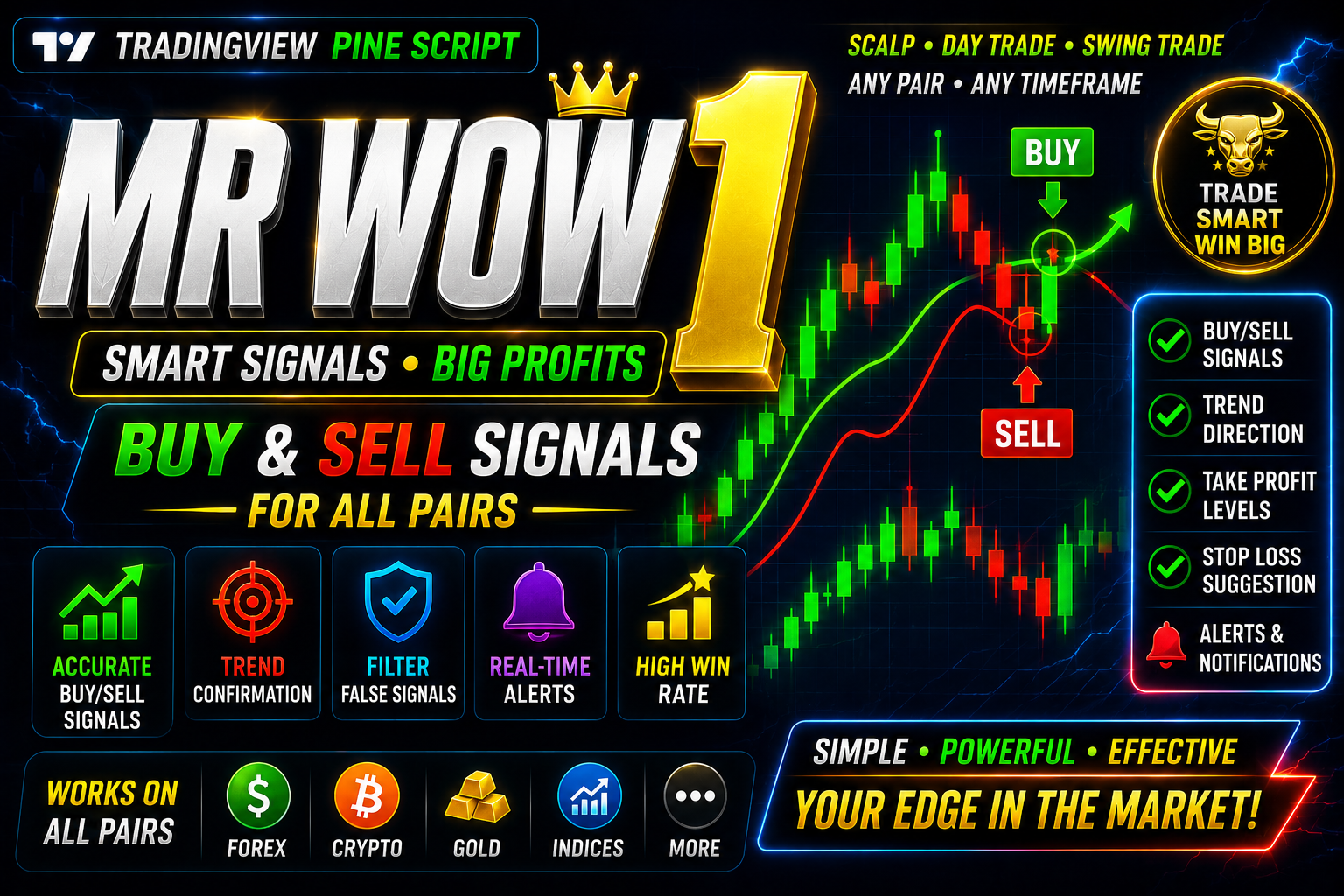
MR WOW 1 BUY SELL
MR WOW 1 High Accuracy Indicator Trading View Free Download Script
🎥 Installation Video
📖 Installation Instructions
What is MR WOW 1 BUY SELL?
MR WOW 1 BUY SELL is a professional-grade TradingView indicator designed to generate clear buy and sell signals for forex, crypto, and stock traders. This Pine Script-based tool combines price action analysis with momentum indicators to identify high-probability trading opportunities, making it ideal for both day traders and swing traders in the Pakistani and Gulf markets.
The indicator displays intuitive visual signals directly on your chart with customizable alert notifications, helping traders make informed decisions without constantly monitoring screens. It works across all timeframes and asset classes available on TradingView.
Key Features
- Clear Buy/Sell Signals: Visual arrows and labels appear directly on chart candles when entry conditions are met, eliminating guesswork from your trading decisions.
- Multi-Timeframe Analysis: Analyse signals across different timeframes simultaneously to confirm trend direction and improve trade accuracy.
- Customizable Alert System: Set up push notifications, email alerts, and sound alerts to never miss a trading opportunity even when away from your screen.
- No Repaint Technology: Signals remain fixed once a candle closes, ensuring you can backtest strategies accurately and trade with confidence.
- Universal Compatibility: Works on all currency pairs (EUR/USD, GBP/USD, USD/JPY), crypto pairs (BTC/USDT, ETH/USDT), and stock markets without requiring separate settings.
- Clean Visual Interface: Minimalist design keeps your chart uncluttered while providing all essential information at a glance.
- Adjustable Sensitivity: Fine-tune signal frequency to match your trading style—from conservative long-term positions to active scalping.
- Risk Management Tools: Built-in suggested stop loss and take profit levels help manage position sizing and risk exposure.
- Works on All Devices: Full functionality on desktop computers, laptops, tablets, and mobile phones through any modern web browser.
- Pakistani Trader Friendly: Optimized for trading sessions that overlap with Gulf and Asian markets, perfect for Pakistani traders' schedules.
System Requirements
- Platform: TradingView account (Free plan supported; Pro or Premium plan recommended for running multiple indicators simultaneously)
- Browser: Google Chrome, Firefox, Safari, Edge, or any modern web browser with JavaScript enabled
- Internet Connection: Stable broadband connection (minimum 2 Mbps recommended for smooth chart updates)
- Devices: Compatible with Windows PC, Mac, Linux desktop, Android smartphones/tablets, and iOS iPhone/iPad
- Screen Resolution: Minimum 1280x720 pixels recommended for optimal chart viewing experience
- TradingView Indicators Limit: Free plan allows 3 indicators per chart; Pro plan allows 5; Pro+ allows 10; Premium allows 25
Installation Steps
- Log in to your TradingView account at tradingview.com using your registered email and password.
- Open any trading chart by searching for your preferred currency pair or asset in the symbol search box at the top of the page.
- Click on the "Pine Editor" tab located at the bottom of your screen to open the code editor panel.
- Copy the complete Pine Script code provided to you after purchase and paste it into the Pine Editor workspace, replacing any existing code.
- Click the "Save" button at the top of the Pine Editor and give your script a memorable name like "MR WOW 1 BUY SELL".
- Click the "Add to Chart" button—the indicator will immediately appear on your active chart with default settings.
- Access the indicator settings by hovering your mouse over the indicator name in the top-left corner of the chart and clicking the settings icon (gear symbol).
- Configure input parameters such as signal sensitivity, timeframe selection, color preferences, and display options according to your trading strategy.
- To enable real-time alerts, right-click anywhere on your chart, select "Add Alert" from the menu, choose the MR WOW 1 BUY SELL indicator from the condition dropdown, and configure your preferred notification method (popup, email, SMS, or webhook).
- Click "Create" to activate your alert—you will now receive notifications whenever new buy or sell signals are generated.
Recommended Settings
- For Scalping (M5-M15 timeframes): Set signal sensitivity to "High" for more frequent signals; use tight stop loss settings of 10-15 pips; trade during London and New York session overlaps for maximum volatility.
- For Day Trading (H1-H4 timeframes): Use "Medium" sensitivity to filter out market noise; set stop loss to 30-50 pips; focus on major currency pairs like EUR/USD, GBP/USD, and USD/JPY for better liquidity.
- For Swing Trading (D1 timeframe): Select "Low" sensitivity for high-probability signals only; use wider stop loss of 80-120 pips; suitable for traders who cannot monitor markets constantly throughout the day.
- Alert Configuration: Enable "Alert Once Per Bar Close" to avoid multiple notifications for the same signal; activate both sound alerts and push notifications to your mobile device for immediate awareness.
- Visual Settings: Choose contrasting colors for buy signals (green) and sell signals (red) for instant recognition; adjust arrow size based on your chart zoom level and personal preference.
- Multi-Timeframe Setup: Open multiple chart windows with different timeframes; confirm M15 signals with H1 and H4 trends before entering trades to improve win rate significantly.
Frequently Asked Questions
Does this indicator work on cryptocurrency and stock markets or only forex?
MR WOW 1 BUY SELL works perfectly across all markets available on TradingView including forex pairs, cryptocurrencies (Bitcoin, Ethereum, altcoins), stocks, indices, and commodities. The underlying algorithm adapts to different market conditions automatically, though you may want to adjust sensitivity settings based on the volatility characteristics of each asset class. Many Pakistani traders successfully use this indicator for both crypto trading on Binance charts and traditional forex pairs.
Will the signals repaint or change after they appear on my chart?
No, MR WOW 1 BUY SELL uses non-repainting logic that locks signals once the candle closes. This means you can trust the historical signals for accurate backtesting and the live signals will not disappear or move after you enter a trade. The indicator calculates based on confirmed price action rather than current candle movement, ensuring reliability and consistency in your trading decisions.
Can I use this indicator on the free TradingView plan or do I need a paid subscription?
The indicator functions fully on TradingView's free plan, which allows up to 3 indicators per chart. However, if you want to combine MR WOW 1 BUY SELL with other complementary indicators like moving averages, RSI, or volume analysis tools, you will need to upgrade to a Pro plan (5 indicators), Pro+ (10 indicators), or Premium (25 indicators). Many traders find the free plan sufficient when starting out, then upgrade as their strategy becomes more sophisticated.
How do I know which signals to take and which to ignore?
The most effective approach is to use MR WOW 1 BUY SELL in conjunction with basic trend analysis and support/resistance levels. Take buy signals when the overall trend is upward on higher timeframes and price is near support zones; take sell signals during downtrends near resistance levels. Avoid trading signals that appear during major news announcements (NFP, interest rate decisions) or low-volume periods like the Asian session for volatile pairs. Start by paper trading or using small position sizes while you learn the indicator's behavior on your preferred pairs and timeframes.
What is the typical accuracy rate and expected profit from this indicator?
While individual results vary based on market conditions, risk management, and trader discipline, the indicator typically produces 65-75% accuracy on major forex pairs when used with proper trend filtering and timeframe confirmation. However, profitability depends more on your risk-reward ratio than win rate alone. Traders who maintain a minimum 1:2 risk-reward ratio (risking 30 pips to make 60 pips, for example) can achieve consistent profitability even with lower accuracy. We recommend thorough backtesting on your specific pairs and timeframes, keeping a trading journal to track your personal performance statistics rather than relying on hypothetical results.
📋 Specifications
| Accuracy (%) | 65-75% |
| Alert Sound | Yes |
| Alerts | Yes (Push, Email, Sound, Webhook) |
| Best Session | London |
| Buffer Values (for EAs) | No |
| Currency Pairs | All Pairs (Forex, Crypto, Stocks, Indices, Commodities) |
| Dashboard (on chart) | No |
| Demo Available | No |
| Divergence Detection | No |
| File Format | Pine Script (.pine) |
| File Size | Less than 50 KB |
| Free Updates | Lifetime |
| Indicator Type | Trend Following & Momentum |
| License Type | Single User License |
| Multi-Timeframe (MTF) | Yes |
| Recommended Broker | Any broker supporting TradingView integration |
| Repaint | No Repaint |
| Screener/Scanner (multi-pair) | No |
| Setup Difficulty | Beginner |
| Signal Delay | End of Bar |
| Signal Type | Buy/Sell Arrows with Labels |
| Source Code Included | Yes |
| Support | Email & WhatsApp Support |
| Timeframe | All Timeframes (M1 to Monthly) |
| Version | 1.0 |