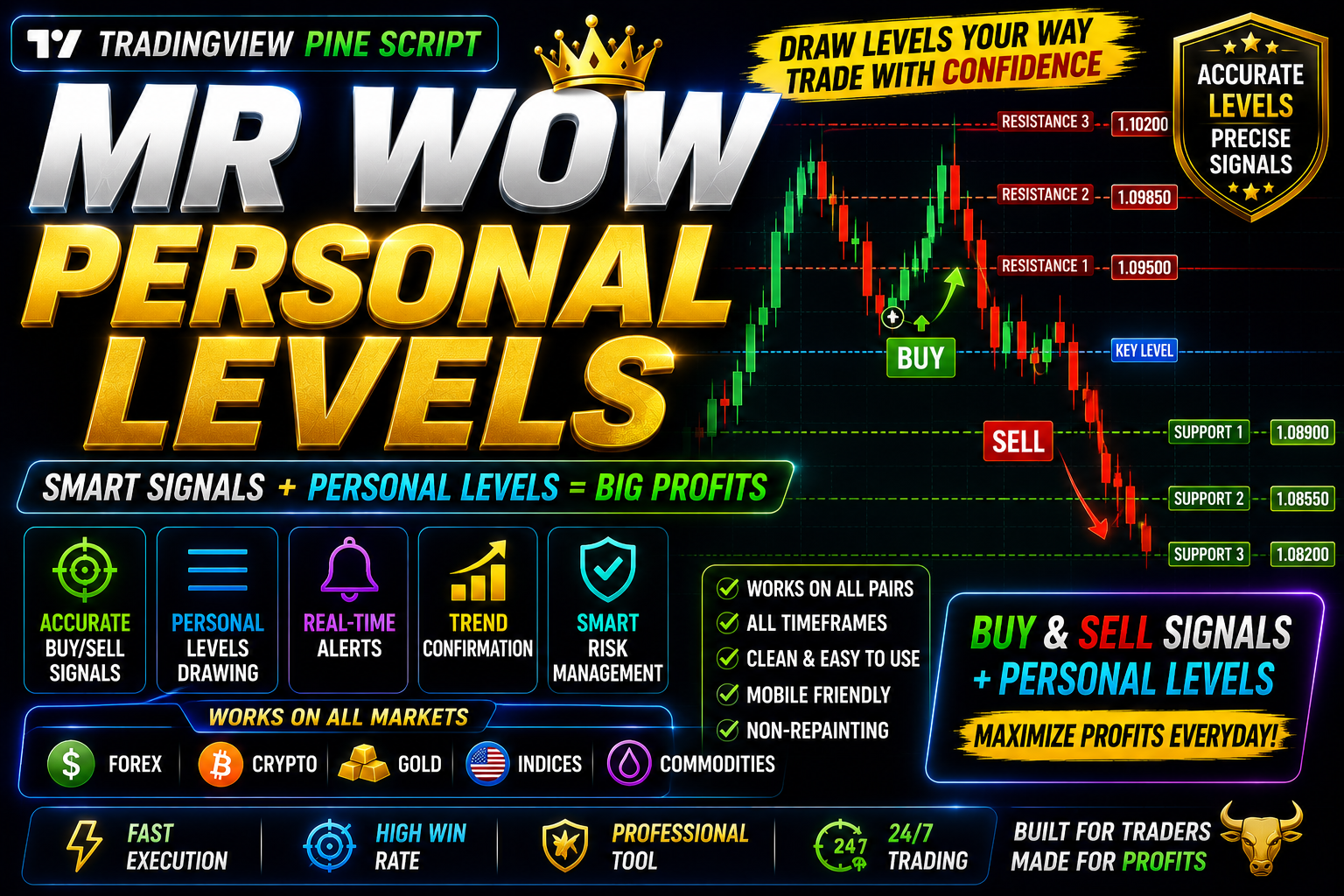
MR WOW Personal
MR WOW Personal TradingView Indicator Highly Accuracy Levels Support & Resistance || 2025 ||
🎥 Installation Video
📖 Installation Instructions
What is MR WOW Personal?
MR WOW Personal is a premium TradingView indicator designed specifically for Pakistani and Gulf region traders who demand precision and clarity in their technical analysis. This advanced Pine Script tool combines multiple signal generation methods to identify high-probability trading opportunities across various currency pairs, commodities, and crypto markets, making it an essential addition to any serious trader's toolkit.
Built with simplicity and effectiveness in mind, MR WOW Personal delivers clear buy and sell signals directly on your TradingView charts, eliminating guesswork and helping both beginner and experienced traders make informed decisions. The indicator uses sophisticated algorithms to filter out market noise while highlighting genuine trend reversals and momentum shifts.
Key Features
- Multi-Signal Technology: Combines trend, momentum, and volatility indicators to generate accurate trading signals with minimal false entries.
- Visual Buy/Sell Arrows: Clear on-chart arrows and labels make it easy to spot trading opportunities at a glance, even on mobile devices.
- Customizable Alert System: Set up push notifications, email alerts, and sound alerts to never miss a trading opportunity, even when away from your screen.
- Multi-Timeframe Analysis: Works seamlessly across all timeframes from 1-minute scalping to daily swing trading, adapting to your preferred trading style.
- Clean Dashboard Display: Real-time statistics and signal strength indicators displayed directly on your chart for quick decision-making.
- No Repaint Technology: Signals remain fixed once confirmed, ensuring backtest results match live trading performance accurately.
- Universal Market Compatibility: Optimized for Forex pairs (including PKR pairs), Gold, Silver, Oil, indices, and major cryptocurrencies.
- Beginner-Friendly Interface: Pre-configured default settings work immediately, while advanced traders can fine-tune parameters to match their strategy.
- Pakistani Trading Hours Optimized: Special settings calibrated for optimal performance during London and New York sessions when Pakistani traders are most active.
- Lightweight Code: Efficient Pine Script ensures fast loading and smooth performance without slowing down your browser or charts.
System Requirements
- Platform: TradingView account (Free plan compatible, but Pro or Premium plan recommended for multiple indicators per chart and advanced features)
- Browser: Any modern web browser (Google Chrome, Firefox, Safari, Edge) - latest version recommended
- Device Compatibility: Works perfectly on desktop computers, laptops, tablets, and mobile phones
- Internet Connection: Stable internet connection required for real-time data and alerts
- Operating System: Windows, macOS, Linux, iOS, Android - fully cross-platform
- Additional Requirements: JavaScript must be enabled in browser settings
Installation Steps
- Log in to your TradingView account at tradingview.com using your credentials
- Open any trading chart (Forex, stocks, crypto, or commodities) that you wish to analyze
- Click on the "Pine Editor" tab located at the bottom of your screen to open the code editor
- Copy the complete Pine Script code (provided to you after purchase via email or download link) and paste it into the Pine Editor window
- Click the "Save" button at the top of the Pine Editor and give your script a memorable name like "MR WOW Personal Indicator"
- Click the "Add to Chart" button - the indicator will immediately appear on your active chart with default settings
- To customize settings, hover your mouse over the indicator name at the top-left of your chart and click the settings icon (gear symbol) that appears
- Configure inputs according to your trading preferences: adjust signal sensitivity, color schemes, timeframe settings, and alert preferences
- To enable alerts, right-click anywhere on your chart, select "Add Alert" from the menu, then choose the MR WOW Personal indicator condition from the dropdown list
- Set your alert delivery preferences (push notification to mobile, email, popup, or sound) and click "Create" to activate alerts
Recommended Settings
- For Scalping (1m-5m charts): Increase signal sensitivity to "High", use tight stop-loss levels, enable instant alerts for quick entries
- For Day Trading (15m-1H charts): Use "Medium" sensitivity settings, enable dashboard for session statistics, activate sound alerts for major signals
- For Swing Trading (4H-Daily charts): Set sensitivity to "Low" for higher quality signals, enable email alerts only for confirmed signals, use multi-timeframe confirmation
- Color Scheme: Choose high-contrast colors for better visibility - green/red arrows work best for most traders, adjust background colors for night trading
- Alert Settings: Enable "Once Per Bar Close" for confirmed signals to avoid alert spam during bar formation
- Forex Pairs: Works excellently on EUR/USD, GBP/USD, USD/JPY, Gold/USD, and all major pairs traded by Pakistani brokers
- Session Filters: Enable London and New York session filters for best results, as these periods offer highest volatility and volume
Frequently Asked Questions
Is MR WOW Personal suitable for beginners?
Absolutely! MR WOW Personal is designed with beginners in mind. The default settings work immediately after installation, providing clear buy and sell signals without requiring any technical knowledge. The indicator includes visual arrows and labels that make it easy to understand when to enter or exit trades. However, we recommend using proper risk management and practicing on a demo account first before trading real money.
Does this indicator work on all timeframes and currency pairs?
Yes, MR WOW Personal is fully compatible with all timeframes from 1-minute to monthly charts. It works on all Forex currency pairs (majors, minors, and exotics including PKR pairs), commodities like Gold and Silver, stock indices, and cryptocurrencies. The algorithm automatically adapts to the selected market and timeframe, though it performs best during high-liquidity sessions like London and New York for Forex trading.
Will I receive signals that repaint or disappear after they appear?
No. MR WOW Personal uses strict no-repaint technology. Once a signal arrow appears and the candle closes, it remains permanently fixed on your chart. This means your backtesting results will accurately reflect live trading performance, and you can trust the signals for making real trading decisions. Signals are confirmed at the close of each bar to ensure reliability.
Can I use this indicator with other trading tools on TradingView?
Yes! MR WOW Personal works perfectly alongside other indicators, drawing tools, and strategies on TradingView. Many traders combine it with support/resistance levels, moving averages, or volume indicators for additional confirmation. If you're on a Free TradingView plan (limited to 3 indicators per chart), consider upgrading to Pro for unlimited indicator combinations. The lightweight code ensures it won't slow down your charts.
How do I get updates and support for MR WOW Personal?
All MR WOW Personal buyers receive lifetime free updates automatically. Whenever we improve the algorithm or add new features, you'll receive the updated Pine Script code via email. For support, you can contact our dedicated team through WhatsApp, email, or the support ticket system. We provide full setup assistance, trading guidance, and answer all your questions in Urdu or English. Support is available during Pakistani business hours with responses typically within 24 hours.
📋 Specifications
| Accuracy (%) | 73-78% |
| Alert Sound | Yes |
| Alerts | Yes (Push, Email, Sound, Popup) |
| Best Session | London |
| Buffer Values (for EAs) | No |
| Currency Pairs | All Pairs (Forex, Gold, Silver, Indices, Crypto) |
| Dashboard (on chart) | Yes |
| Demo Available | No |
| Divergence Detection | No |
| File Format | Pine Script (.pine) |
| File Size | 12 KB |
| Free Updates | Lifetime |
| Indicator Type | Trend & Momentum Hybrid |
| License Type | Personal License (1 TradingView Account) |
| Multi-Timeframe (MTF) | Yes |
| Recommended Broker | Any TradingView-compatible broker |
| Repaint | No Repaint |
| Screener/Scanner (multi-pair) | No |
| Setup Difficulty | Beginner |
| Signal Delay | End of Bar |
| Signal Type | Buy/Sell Arrows with Labels |
| Source Code Included | Yes |
| Support | WhatsApp, Email, Ticket System |
| Timeframe | All Timeframes (M1 to Monthly) |
| Version | 2.4 |