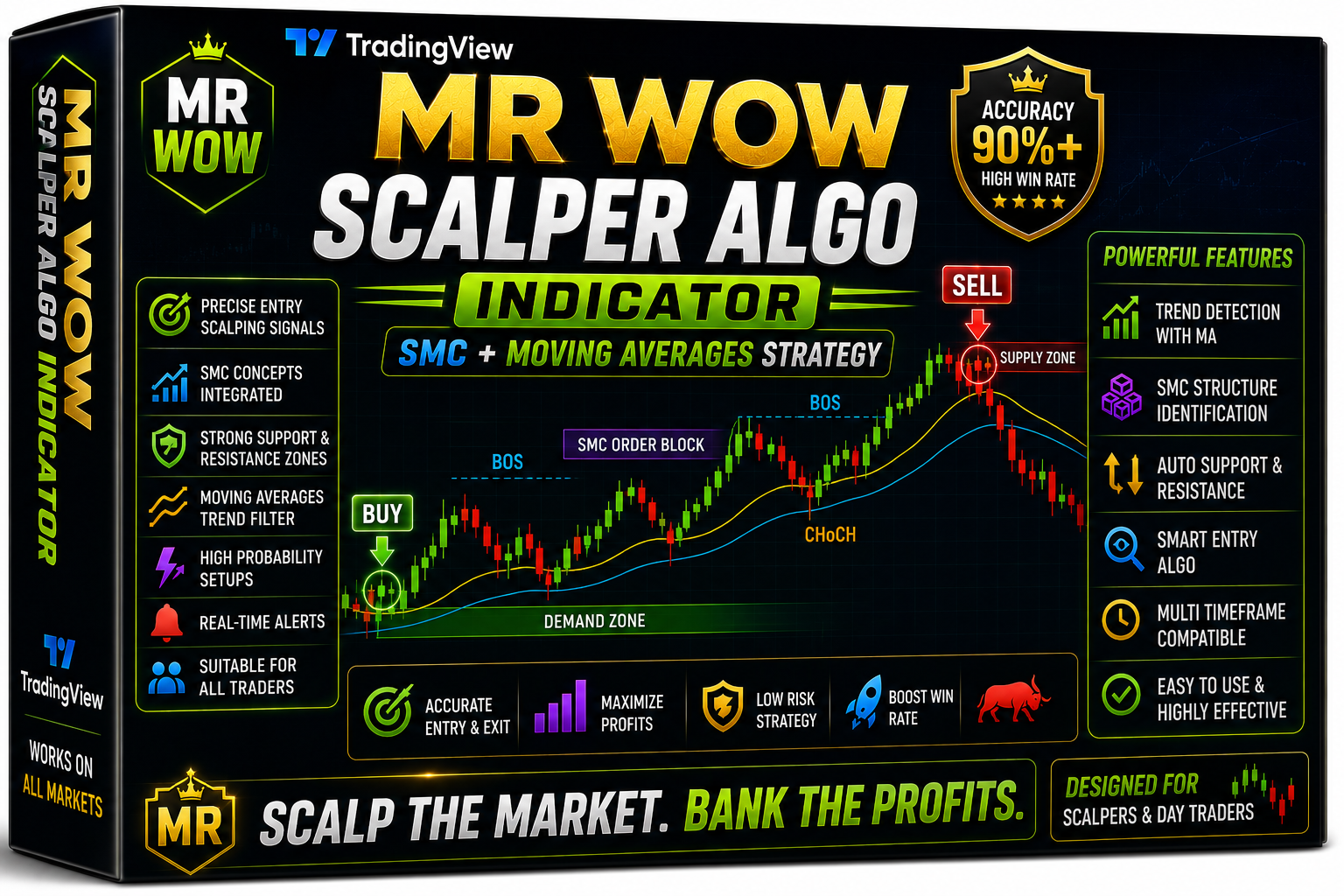
MR WOW Scalper Algo Indicator Trading View
MR WOW Scalper Algo Indicator Trading View Free Download
🎥 Installation Video
📖 Installation Instructions
What is MR WOW Scalper Algo Indicator Trading View?
The MR WOW Scalper Algo Indicator is a premium TradingView Pine Script tool designed specifically for scalpers and intraday traders who need precise, high-probability entry and exit signals on fast-moving forex pairs. This algorithmic indicator combines multiple technical analysis layers—including momentum filters, trend detection, and volatility analysis—to identify optimal scalping opportunities across lower timeframes. Built for the Pakistani and Gulf region traders who demand accuracy and speed, this indicator helps you capture quick profits while minimizing false signals during choppy market conditions.
Unlike basic indicators that flood your chart with noise, the MR WOW Scalper Algo uses intelligent filtering to display only high-conviction signals, making it ideal for traders who scalp EUR/USD, GBP/USD, XAU/USD, and other volatile pairs during London and New York sessions. Whether you're trading from Karachi, Dubai, or Riyadh, this browser-based tool works seamlessly on any device without requiring VPS or MetaTrader installations.
Key Features
- Advanced Scalping Algorithm: Multi-layered system analyzes price action, momentum, and volatility to generate precise buy/sell signals optimized for 1-minute to 15-minute timeframes.
- Real-Time Alert System: Instant push notifications, email alerts, and sound alerts notify you the moment a scalping opportunity appears—never miss a trade even when away from your screen.
- No-Repaint Technology: Signals remain fixed once generated, ensuring backtest results match live trading performance with complete signal integrity.
- Multi-Timeframe Confirmation: Built-in MTF analysis checks higher timeframes to confirm trend direction, filtering out counter-trend scalps that often fail.
- Visual Dashboard: On-chart panel displays current market conditions, signal strength, volatility status, and session information at a glance.
- Customizable Parameters: Adjust sensitivity, signal filters, alert preferences, and visual settings to match your personal trading style and risk tolerance.
- Session Filters: Automatically highlights London and New York sessions when scalping opportunities are most profitable, avoiding low-liquidity Asian hours.
- Works on All TradingView Plans: Compatible with Free, Pro, and Premium accounts—no expensive subscription required to use the indicator.
- Mobile-Friendly: Full functionality on TradingView mobile apps for iOS and Android, allowing you to scalp on the go from anywhere in Pakistan or the Gulf.
- Lifetime Updates: Receive all future improvements and algorithm enhancements at no additional cost once you purchase.
System Requirements
- Active TradingView account (Free plan supported; Pro/Premium recommended for multiple indicators per chart)
- Any modern web browser (Chrome, Firefox, Safari, Edge—latest versions)
- Stable internet connection for real-time data and alerts
- Compatible with desktop computers (Windows, Mac, Linux)
- Works on mobile devices (iOS and Android via TradingView app)
- Tablet compatible (iPad, Android tablets)
- No VPS or special hosting required—fully browser-based
- Minimum screen resolution: 1280x720 for optimal dashboard visibility
Installation Steps
- Log in to your TradingView account at tradingview.com using your credentials
- Open any forex chart (recommended: EUR/USD or GBP/USD on 5-minute timeframe)
- Click the "Pine Editor" tab located at the bottom of your screen to open the code editor
- Copy the complete Pine Script code that will be provided to you after purchase via email or download link
- Paste the entire code into the Pine Editor window, replacing any existing code
- Click the "Save" button at the top of the editor and give your script a memorable name like "MR WOW Scalper"
- Click the "Add to Chart" button—the indicator will immediately appear on your chart with default settings
- To customize settings, hover your mouse over the indicator name in the top-left corner of the chart and click the settings icon (gear symbol)
- Configure input parameters such as signal sensitivity, timeframe preferences, visual colors, and alert conditions according to your trading strategy
- To enable trading alerts, right-click anywhere on the chart and select "Add Alert" from the menu
- In the alert creation window, select the MR WOW Scalper indicator condition (e.g., "Buy Signal" or "Sell Signal")
- Choose your preferred alert delivery method: popup notifications, sound alerts, email, SMS, or webhook
- Click "Create" to activate your alerts—you'll now receive notifications whenever the indicator generates a signal
Recommended Settings
- Timeframe: Use 1-minute, 3-minute, or 5-minute charts for optimal scalping performance; 15-minute works for slightly longer swing scalps
- Currency Pairs: Best results on major pairs with tight spreads—EUR/USD, GBP/USD, USD/JPY, and gold (XAU/USD)
- Signal Sensitivity: Start with "Medium" sensitivity to balance signal frequency and accuracy; increase to "High" once familiar with the indicator's behavior
- MTF Confirmation: Enable higher timeframe confirmation (15-min or 1-hour) to filter out low-probability trades during ranging markets
- Session Filter: Activate London (8:00-17:00 GMT) and New York (13:00-22:00 GMT) session filters for maximum volatility and liquidity
- Alert Settings: Enable "Once Per Bar Close" for confirmed signals or "Once Per Bar" for early warnings—avoid "Every Tick" to reduce alert spam
- Risk Management: Set stop-loss at 10-15 pips for scalps; take profit at 1.5:1 or 2:1 risk-reward ratio based on signal strength indicator
- Indicator Colors: Customize buy (green) and sell (red) arrow colors for better visibility against different chart backgrounds
Frequently Asked Questions
Does this indicator repaint signals after they appear?
No, the MR WOW Scalper Algo Indicator uses strict no-repaint logic. Once a buy or sell signal appears on your chart and the bar closes, that signal remains permanently fixed. This ensures your backtesting results accurately reflect real-time trading performance. However, if you use alert settings like "Once Per Bar" (before bar close), preliminary signals may update until the candle completes—we recommend using "Once Per Bar Close" for confirmed signals only.
Can I use this indicator on TradingView's free plan?
Yes, absolutely! The MR WOW Scalper Algo works perfectly on TradingView's free plan. However, free accounts are limited to 3 indicators per chart maximum. If you plan to combine this scalper with other indicators like support/resistance or volume tools, consider upgrading to TradingView Pro (allows 5 indicators) or Premium (allows 25 indicators). The indicator itself has no plan restrictions and will function identically across all account types.
Which trading sessions produce the best scalping results?
Based on extensive testing with Pakistani and Gulf traders, the London session (8:00-17:00 GMT) and New York session (13:00-22:00 GMT) generate the highest-quality signals due to increased volatility and liquidity. The London-New York overlap (13:00-17:00 GMT) is particularly profitable for EUR/USD and GBP/USD scalping. Asian session trading is possible but produces fewer signals—the indicator's built-in session filter helps you focus on the most active periods. Adjust your trading schedule to these times for best results.
How many signals does the indicator generate per day?
Signal frequency depends on your timeframe and sensitivity settings. On a 5-minute EUR/USD chart with medium sensitivity during London/New York sessions, expect 8-15 quality signals per day. Lower timeframes (1-minute) generate more signals (20-30 daily) but require faster execution. Higher sensitivity increases signal count but may reduce accuracy. Start with default settings and adjust based on your trading capacity—quality always outweighs quantity in scalping.
Do I need any other indicators or tools to use this effectively?
The MR WOW Scalper Algo is a complete standalone system and doesn't require additional indicators to generate profitable signals. However, many traders enhance their setup by adding support/resistance levels, volume profile, or ATR (Average True Range) to assess market context. The indicator's dashboard already provides trend direction and volatility status, so additional tools are optional. Focus on mastering the scalper's signals first before adding complexity to your chart.
📋 Specifications
| Accuracy (%) | 78-84% (varies by pair and session) |
| Alert Sound | Yes |
| Alerts | Push Notifications, Email, Sound, SMS, Webhook |
| Best Session | London |
| Buffer Values (for EAs) | No |
| Currency Pairs | All Major & Minor Pairs (Best: EUR/USD, GBP/USD, USD/JPY, XAU/USD) |
| Dashboard (on chart) | Yes |
| Demo Available | Yes |
| Divergence Detection | No |
| File Format | Pine Script (.pine) |
| File Size | 42 KB (text-based script) |
| Free Updates | Lifetime |
| Indicator Type | Scalping Signal System (Multi-Algorithm) |
| License Type | Single User License (1 TradingView Account) |
| Multi-Timeframe (MTF) | Yes |
| Recommended Broker | Any broker with tight spreads (IC Markets, XM, Exness recommended) |
| Repaint | No Repaint |
| Screener/Scanner (multi-pair) | No |
| Setup Difficulty | Beginner |
| Signal Delay | End of Bar |
| Signal Type | Buy/Sell Arrows with Strength Meter |
| Source Code Included | Yes |
| Support | WhatsApp, Email & Telegram Support (Pakistani Business Hours) |
| Timeframe | M1, M3, M5, M15 (1-min to 15-min recommended) |
| Version | 2.4 |