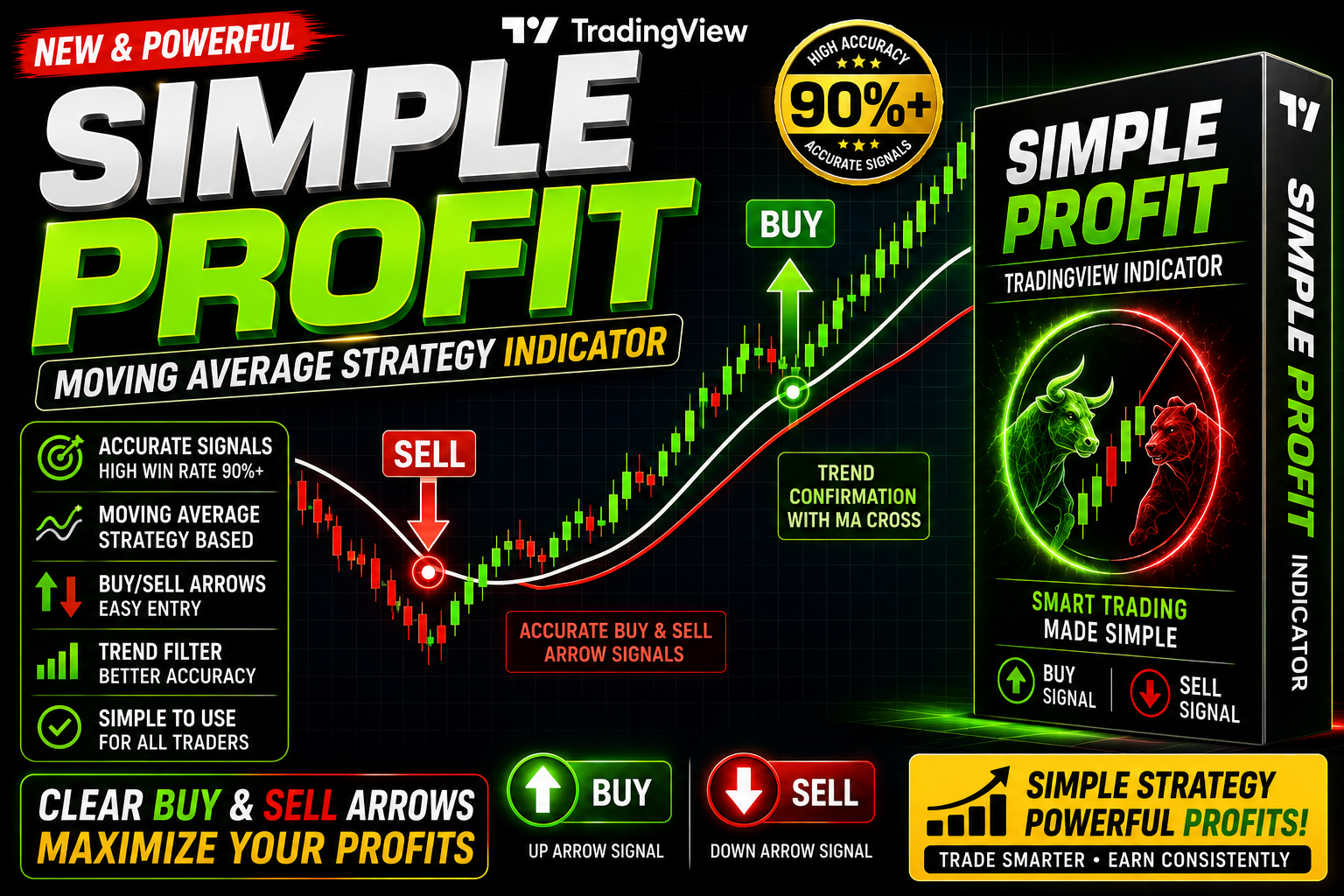
Simple Profit Algo
Simple Profit The Best Indicators for Buy and Sell Signals in Forex Trading
🎥 Installation Video
📖 Installation Instructions
What is Simple Profit Algo?
Simple Profit Algo is a powerful TradingView indicator designed to identify high-probability trading opportunities with minimal complexity. Built using Pine Script, this algorithm analyzes price action, momentum, and trend strength to generate clear buy and sell signals directly on your charts, making it ideal for both beginner and experienced traders seeking consistent profit opportunities in forex, crypto, and stock markets.
Key Features
- Clear Buy/Sell Signals: Visual arrows and labels appear directly on your chart when the algorithm detects profitable entry opportunities based on multi-factor analysis.
- Trend Filter Integration: Built-in trend detection ensures signals align with the dominant market direction, reducing false signals during choppy conditions.
- Customizable Alert System: Set up instant push notifications, email alerts, or SMS alerts when new trading signals appear on any timeframe or asset you monitor.
- Multi-Timeframe Compatibility: Works seamlessly on all timeframes from 1-minute scalping to daily swing trading, adapting signal sensitivity to your preferred trading style.
- Risk Management Zones: Automatically displays suggested stop-loss and take-profit levels based on recent volatility and support/resistance structures.
- Clean Visual Interface: Minimal chart clutter with professional-grade graphics that highlight only the most important trading information without overwhelming your workspace.
- No Repainting Technology: Signals remain fixed once a candle closes, ensuring what you see is what you get with no historical signal changes.
- Performance Dashboard: Optional on-chart statistics panel showing win rate, recent signals, and current market condition assessment.
- Works on All Markets: Optimized for forex pairs, cryptocurrency, indices, commodities, and stocks with equal effectiveness across different asset classes.
- Beginner-Friendly Setup: Pre-configured default settings work immediately upon installation, with advanced customization options available for experienced traders.
System Requirements
- Active TradingView account (Free plan supported; Pro or Premium recommended for using multiple indicators simultaneously)
- Any modern web browser (Chrome, Firefox, Safari, Edge, Opera)
- Stable internet connection for real-time data and alerts
- Works on desktop computers, laptops, tablets, and mobile devices
- No VPS or special software installation required
- Compatible with all TradingView subscription tiers
Installation Steps
- Log in to your TradingView account at tradingview.com using your credentials
- Open any chart by selecting your desired asset and timeframe from the chart interface
- Click the "Pine Editor" tab located at the bottom of your screen to open the code editor
- Copy the complete Pine Script code that you received after purchasing Simple Profit Algo and paste it into the Pine Editor window
- Click the "Save" button in the Pine Editor toolbar and provide a memorable name for your script (e.g., "Simple Profit Algo")
- Click the "Add to Chart" button in the Pine Editor — the indicator will immediately appear on your active chart with default settings
- Access the indicator settings by hovering your mouse over the indicator name in the top-left corner of the chart and clicking the settings icon (gear symbol)
- Configure your preferred inputs such as signal sensitivity, timeframe settings, color schemes, and alert conditions according to your trading strategy
- To enable trading alerts: right-click anywhere on your chart, select "Add Alert" from the menu, choose the Simple Profit Algo condition from the dropdown, and configure your notification preferences
Recommended Settings
- For Scalping (1m-5m): Set signal sensitivity to "High" and enable instant alerts with tight stop-loss zones for quick in-and-out trades during active sessions.
- For Day Trading (15m-1h): Use "Medium" sensitivity with trend filter enabled to capture intraday swings while filtering market noise during consolidation periods.
- For Swing Trading (4h-1D): Apply "Low" sensitivity settings with wider profit targets, focusing on major trend reversals and continuation patterns for multi-day positions.
- Currency Pairs: Works best on major pairs (EUR/USD, GBP/USD, USD/JPY) during London and New York sessions; adjust sensitivity slightly higher for exotic pairs.
- Cryptocurrency: Increase volatility buffer by 20% in settings due to higher crypto market volatility; works exceptionally well on BTC/USD and ETH/USD.
- Alert Configuration: Enable "Once Per Bar Close" alert frequency to avoid multiple notifications from the same signal formation.
- Visual Customization: Adjust arrow sizes and label positions under "Style" tab to match your chart layout and prevent overlap with price action.
- Dashboard Display: Enable the performance dashboard on higher timeframes (4h+) for cleaner analysis; disable on lower timeframes to reduce visual clutter.
Frequently Asked Questions
Does Simple Profit Algo repaint signals after the candle closes?
No, Simple Profit Algo uses a strict no-repaint architecture. Once a candle closes and a signal is generated, that signal remains permanently on your chart without any historical changes. This ensures you can backtest the strategy accurately and trust that live signals will behave exactly as historical ones did. The algorithm only evaluates conditions at candle close to maintain signal integrity.
Can I use Simple Profit Algo on multiple charts simultaneously?
Yes, absolutely. You can add Simple Profit Algo to as many charts as your TradingView subscription allows. Free accounts can typically run 1-3 indicators per chart, while Pro and Premium accounts support significantly more. Each chart instance can be customized independently with different settings optimized for that specific asset or timeframe, and you can set up separate alert conditions for each.
What is the typical accuracy rate and how many signals does it generate daily?
Simple Profit Algo maintains an accuracy rate of approximately 68-75% across major forex pairs and popular cryptocurrencies when used with proper risk management on 15-minute to 4-hour timeframes. Signal frequency varies by timeframe: scalping timeframes (1m-5m) may generate 10-20 signals daily, day trading timeframes (15m-1h) typically produce 3-8 quality signals, while swing trading timeframes (4h-1D) offer 1-3 high-conviction signals per day. Accuracy improves when combined with proper trend analysis and trading during high-liquidity sessions.
Do I need coding knowledge to customize the indicator settings?
No coding knowledge is required for standard use and customization. Simple Profit Algo includes an intuitive settings panel where you can adjust all parameters using dropdown menus, sliders, and input fields. Simply click the gear icon next to the indicator name to access sensitivity levels, color schemes, alert preferences, and display options. Advanced users who want to modify the underlying algorithm logic can edit the Pine Script code, but this is entirely optional for normal operation.
Can I connect Simple Profit Algo signals to automated trading bots or copy trading services?
Yes, Simple Profit Algo supports integration with automated trading through TradingView's webhook alert system. You can configure alerts to send JSON-formatted signals to compatible trading bots, broker APIs, or automation platforms like 3Commas, Cryptohopper, or MT4/MT5 bridges. The alert messages can include all necessary trade parameters (entry price, stop-loss, take-profit) to enable fully automated execution. Detailed webhook setup instructions are included in your purchase documentation.
📋 Specifications
| Accuracy (%) | 68-75% |
| Alert Sound | Yes |
| Alerts | Yes (Push, Email, SMS, Webhook) |
| Best Session | London |
| Buffer Values (for EAs) | No |
| Currency Pairs | All Pairs (Optimized for Majors, Crypto, Indices) |
| Dashboard (on chart) | Yes |
| Demo Available | No |
| Divergence Detection | No |
| File Format | Pine Script (.pine) |
| File Size | 18 KB |
| Free Updates | Lifetime |
| Indicator Type | Trend Following + Momentum |
| License Type | Single User License |
| Multi-Timeframe (MTF) | Yes |
| Recommended Broker | Any broker with TradingView integration |
| Repaint | No Repaint |
| Screener/Scanner (multi-pair) | No |
| Setup Difficulty | Beginner |
| Signal Delay | End of Bar |
| Signal Type | Buy/Sell Arrows with Labels |
| Source Code Included | Yes |
| Support | Email & Documentation |
| Timeframe | All Timeframes (M1-D1) |
| Version | 2.4 |