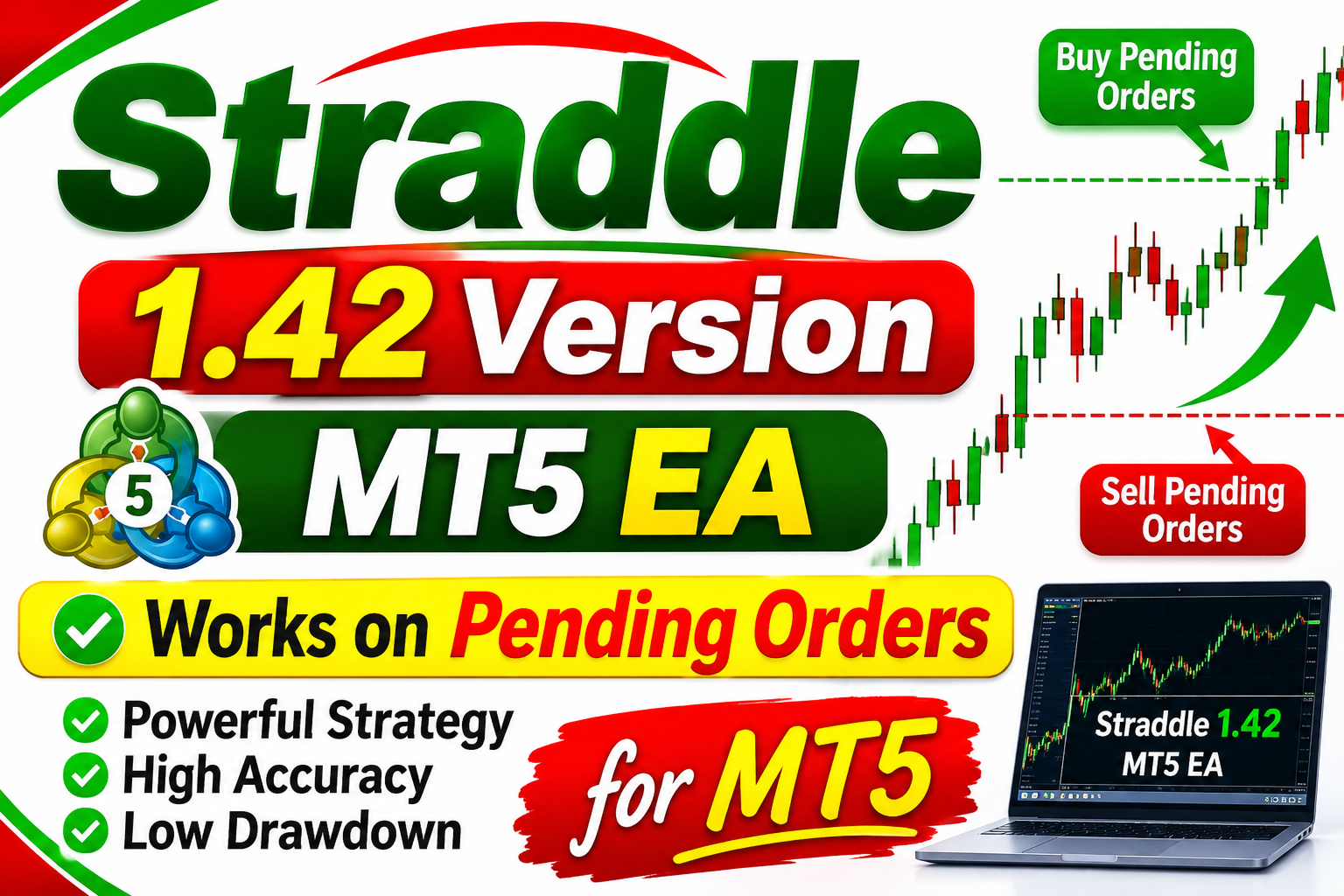
Straddle 1.42
🎥 Installation Video
📖 Installation Instructions
What is [Product Name]?
[Product Name] is a powerful trading tool designed to help traders identify high-probability setups in the market. Write a 2-3 line introduction here explaining what this product does and who it's for.
Key Features
- Feature 1: Describe the main feature
- Feature 2: Another key benefit
- Feature 3: One more feature
- Feature 4: Add more as needed
System Requirements
- MetaTrader 4 or MetaTrader 5 platform
- Windows 7 or higher / Windows Server VPS
- Broker account (Exness, Vantage, or any MT4/MT5 broker)
- Recommended timeframe: M15, M30, H1
Installation Steps
Step 1: Download the File
Click the "Free Download" or purchase button above. You will receive a Google Drive link with the .ex4 or .ex5 file.
Step 2: Open MetaTrader
Launch your MetaTrader 4 or 5 platform. Go to File → Open Data Folder.
Step 3: Copy the File
Copy the downloaded file into: MQL5/Experts/ (for EA) or MQL5/Indicators/ (for indicator).
Step 4: Restart MetaTrader
Close and reopen MetaTrader. You will see the tool in the Navigator panel on the left side.
Step 5: Attach to Chart
Drag the tool onto your desired chart (recommended: XAUUSD H1 for gold trading).
Recommended Settings
Use the default settings for best results. Advanced users can adjust:
- Risk per trade: 1-2% recommended
- Timeframe: H1 or H4
- Symbol: XAUUSD (Gold), EURUSD, GBPUSD
Frequently Asked Questions
Does it work on prop firm accounts?
Yes, it works on funded accounts (FTMO, MyForexFunds, etc.) with proper risk management.
What brokers are supported?
All MT4/MT5 brokers including Exness, Vantage, IC Markets, XM, and others.
Is there a demo version?
Click the "Demo" button on the product card to download the demo version and test it first.
Support
Need help? Contact us on WhatsApp for installation support and troubleshooting.
📋 Specifications
| Account Type | ECN, Standard, Raw SpreadSpread |
| Auto Lot Sizing | Yes |
| Backtest Results Available | No |
| Basket Trading | Yes |
| Broker Type | Standard |
| Currency Pairs | EURUSD, GBPUSD, USDJPY, XAUUSD, GBPJPY, AUDUSD |
| Demo Available | No |
| Equity/Balance Required (min) | 1000$ |
| FIFO Rule Compatible | No |
| File Format | EX5 |
| File Size | 850 KBKB |
| Free Trial Days | No trial |
| Free Updates | Paid Updates |
| Grid Distance (pips) | 10 PIPSPIPS |
| Hedging Allowed | Yes |
| Leverage Required | 1:1000 |
| License Type | 1 Live Account |
| Max Drawdown | 18-22% |
| Recommended Max Spread | 20 pips (15 pips optimal) |
| Max Simultaneous Trades | UNLIMITED |
| Money Back Guarantee | No |
| Monthly Return (avg) | 5-15% (average with 2% risk) |
| News Filter | No |
| Platform | MT5 |
| Prop Firm Friendly | No |
| Recommended Broker | Low spread ECN/Raw Spread brokersbrokers |
| Recommended Lot Size | 0.01 |
| Recovery Mode | Yes |
| Risk Level | Medium |
| Session Filter | Yes |
| Setup Difficulty | Intermediate |
| Signal Notifications | Email, Push, MT4/MT5 AlertsAlerts |
| Slippage Tolerance | 3 pips maximum |
| Source Code Included | No |
| Stop Loss Type | Trailing |
| Strategy Type | Pending order |
| Take Profit Type | Fixed |
| Timeframe | M 1 |
| Trade Copier Compatible | Yes |
| Trading Hours | 24/5 |
| Version | 1.42 |
| VPS Required | Yes |