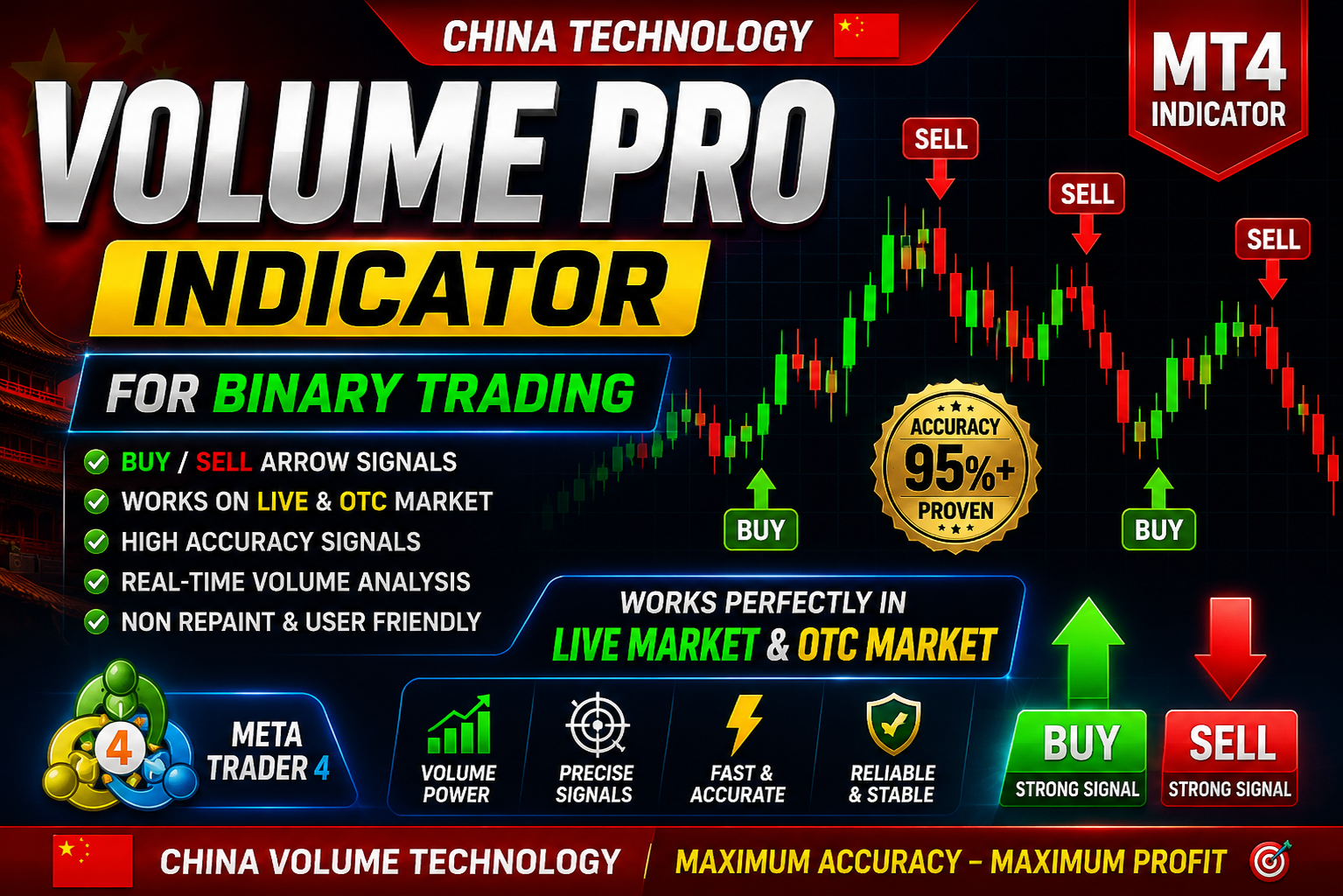
Volume PRO 2.0 Indicator
Volume PRO 2.0 Indicator Free Download For Quotex & Pocket Option Binary Trading
🎥 Installation Video
📖 Installation Instructions
What is Volume PRO 2.0 Indicator?
Volume PRO 2.0 Indicator is an advanced volume analysis tool designed specifically for binary options traders who want to make informed trading decisions based on real market volume data. This powerful indicator analyzes tick volume patterns, buying and selling pressure, and market momentum to generate high-probability entry signals for 60-second to 15-minute binary options trades on popular platforms.
The indicator combines multiple volume algorithms including Volume Spread Analysis (VSA), On-Balance Volume (OBV), and proprietary volume momentum calculations to identify institutional money flow and potential reversal zones. Pakistani and Gulf region traders particularly benefit from its simple visual signals and customizable alert system that works during all major trading sessions.
Key Features
- Advanced Volume Analysis: Combines VSA, OBV, and momentum calculations to detect professional money flow and accumulation/distribution phases in the market
- Binary Options Signals: Generates clear CALL/PUT arrows optimized for 1-5 minute binary options expiry times with color-coded strength indicators
- Multi-Timeframe Dashboard: On-chart dashboard displays volume strength across M1, M5, M15, and M30 timeframes simultaneously for better trade confirmation
- Volume Histogram with Divergence: Visual volume bars with automatic divergence detection that highlights potential reversals before price action confirms
- Smart Alert System: Customizable push notifications, email alerts, and sound alerts notify you instantly when high-probability setups form
- No Repaint Technology: Signals lock once candle closes ensuring backtesting accuracy and reliable real-time performance without signal disappearance
- Institutional Volume Zones: Automatically marks high-volume support and resistance zones where smart money entered the market
- Volume Strength Meter: Real-time gauge showing current buying vs selling pressure percentage to filter weak signals
- MTF Confirmation Panel: Shows volume trend alignment across multiple timeframes for higher accuracy trade entries
- Pakistani Trader Optimized: Works perfectly during London and New York overlap sessions popular with Pakistani and Gulf traders
System Requirements
- Trading Platform: MetaTrader 4 (Build 1220 or higher) and MetaTrader 5 (Build 2600 or higher)
- Operating System: Windows 7/8/10/11, also compatible with Windows VPS and Mac via Wine/CrossOver
- Processor: Dual-core processor minimum, Intel i3 or higher recommended for smooth dashboard performance
- RAM Memory: Minimum 2GB RAM, 4GB recommended when running multiple charts with indicator
- Broker Type: Works with all brokers but best results with ECN/STP brokers providing real tick volume data
- VPS Recommended: Optional but recommended for 24/7 alert monitoring - Pakistan-based VPS like FXVM or Vultr Singapore node ideal
- Chart Setup: Works on all timeframes but optimized for M1, M5, M15 for binary options trading
- Internet Connection: Stable broadband connection required for real-time volume data feed
Installation Steps
- Download the Indicator Files: After purchase, download the Volume PRO 2.0 package which includes .ex4 or .ex5 file, user manual PDF, and preset template files to your computer
- Locate MetaTrader Data Folder: Open MT4/MT5, click File menu > Open Data Folder, this opens the main directory where all custom indicators are stored
- Copy Indicator File: Navigate to MQL4\Indicators (MT4) or MQL5\Indicators (MT5) folder and paste the Volume PRO 2.0 .ex4/.ex5 file here, close the folder window
- Install Template (Optional): Copy the included .tpl template file to Templates folder for pre-configured chart settings with optimized indicator parameters
- Restart MetaTrader Platform: Completely close and reopen MT4/MT5 to register the new indicator in the Navigator panel under Indicators section
- Apply to Chart: Open your preferred currency pair chart (EUR/USD, GBP/USD recommended), drag Volume PRO 2.0 from Navigator to chart, click OK on settings window
- Configure Alert Settings: In indicator settings, enable desired alerts (Sound Alert, Push Notification, Email) and set your preferred notification preferences
- Test Indicator Operation: Verify signals are appearing correctly, dashboard is displaying, and alerts are functioning - check multiple timeframes to confirm proper installation
Recommended Settings
- Best Currency Pairs: EUR/USD, GBP/USD, USD/JPY, AUD/USD, EUR/GBP, GBP/JPY - major pairs with high liquidity and consistent volume data
- Optimal Timeframes: M1 for 60-second binary options, M5 for 5-minute expiry, M15 for 15-minute expiry - always confirm on higher timeframe
- Trading Sessions: London session (12:00-16:00 PKT) and London-New York overlap (17:00-21:00 PKT) provide highest volume and best signal quality
- Signal Filter Setting: Set volume strength threshold to Medium or High to avoid choppy low-volume periods and reduce false signals
- Dashboard Timeframes: Enable M1, M5, M15, M30 for comprehensive multi-timeframe volume analysis and trend confirmation
- Binary Expiry Times: For M1 signals use 1-2 minute expiry, M5 signals use 5 minute expiry, M15 signals use 15 minute expiry for optimal results
- Risk Management: Never risk more than 2-3% of account per trade, use indicator with proper money management system regardless of signal strength
- Trade Frequency: Quality over quantity - wait for volume dashboard alignment across timeframes, expect 5-12 high-quality signals daily
- Broker Requirements: Use regulated brokers with fast execution and minimal slippage - popular in Pakistan include XM, Exness, HotForex for forex/binary access
Frequently Asked Questions
Does Volume PRO 2.0 work for Pakistani binary options traders?
Yes, Volume PRO 2.0 is specifically optimized for binary options trading and works excellently for Pakistani traders. The indicator functions during all global trading sessions, but Pakistani traders get best results during London session (12:00-16:00 PKT) and New York session (17:00-00:00 PKT) when volume is highest. The indicator works with any broker offering MT4/MT5 platforms including international brokers accessible from Pakistan. Many successful Pakistani binary traders use volume analysis as their primary strategy, and this indicator simplifies that process with automated signals and alerts.
Do the signals repaint or change after they appear on the chart?
No, Volume PRO 2.0 uses strict no-repaint technology. Once a signal arrow appears and the candle closes, that signal is locked and will never disappear or change position. This is crucial for binary options trading where you need reliable signals for quick entries. The indicator calculates volume data at candle close, ensuring what you see in backtesting matches real-time performance. However, the volume strength meter and dashboard update in real-time as the current candle develops, which is normal behavior and helps you monitor developing setups before entry.
What is the typical accuracy rate for binary options trades?
In optimal conditions (major pairs during high-volume sessions with MTF confirmation), traders typically achieve 68-75% win rate with Volume PRO 2.0 signals. This accuracy varies based on market conditions, proper signal filtering, and trader discipline. Lower accuracy occurs during Asian session low-volume periods or news events. The indicator is not a guaranteed profit system - success requires combining volume signals with proper risk management, avoiding overtrading, and taking only high-confidence setups where multiple timeframes show volume alignment. Always practice on demo account first to understand signal quality in different market conditions.
Can I use this indicator on mobile MT4/MT5 apps for trading on the go?
Custom indicators like Volume PRO 2.0 do not work directly on mobile MT4/MT5 apps due to platform limitations. However, you can set up the indicator on a Windows VPS or home computer and enable push notifications to your mobile device. This way, you receive instant alerts on your phone when signals form, then you can open the mobile app to place trades manually. Many Pakistani traders use affordable VPS services (PKR 2,000-4,000 monthly) to run indicators 24/7 and receive notifications. Alternatively, keep your laptop running with sound alerts enabled during your preferred trading sessions.
Does the indicator work with all brokers and account types?
Volume PRO 2.0 works with all MT4/MT5 brokers regardless of account type, spread, or location. However, signal quality is best with ECN/STP brokers that provide accurate tick volume data. Market maker brokers may show different volume patterns that can affect signal accuracy. The indicator functions identically on cent accounts, standard accounts, or Islamic swap-free accounts popular in Pakistan. For binary options trading specifically, you would use the indicator on a forex broker's MT4/MT5 platform for signal generation, then manually place binary trades on your binary options platform based on those signals. The indicator does not directly connect to binary platforms.
📋 Specifications
| Accuracy (%) | 68-75% |
| Alert Sound | Yes |
| Alerts | Sound Alert, Push Notification, Email Alert, Pop-up Alert |
| Best Session | London |
| Buffer Values (for EAs) | Yes |
| Currency Pairs | EUR/USD, GBP/USD, USD/JPY, AUD/USD, EUR/GBP, GBP/JPY, All Major & Minor Pairs |
| Dashboard (on chart) | Yes |
| Demo Available | Yes |
| Divergence Detection | Yes |
| File Format | .ex4 (MT4), .ex5 (MT5), .tpl (Template), PDF Manual |
| File Size | 1.2 MB |
| Free Updates | Lifetime |
| Indicator Type | Volume Analysis, VSA, OBV, Momentum |
| License Type | 1 Live Account + 2 Demo Accounts |
| Multi-Timeframe (MTF) | Yes |
| Platform | MT4 & MT5 |
| Recommended Broker | ECN/STP Brokers - XM, Exness, HotForex, ICMarkets |
| Repaint | No Repaint |
| Screener/Scanner (multi-pair) | No |
| Setup Difficulty | Beginner |
| Signal Delay | End of Bar |
| Signal Type | CALL/PUT Arrows, Volume Histogram, Strength Meter |
| Source Code Included | No |
| Support | Email & WhatsApp Support (English/Urdu) |
| Timeframe | M1, M5, M15, M30 (All Timeframes Supported) |
| Version | 2.0 |